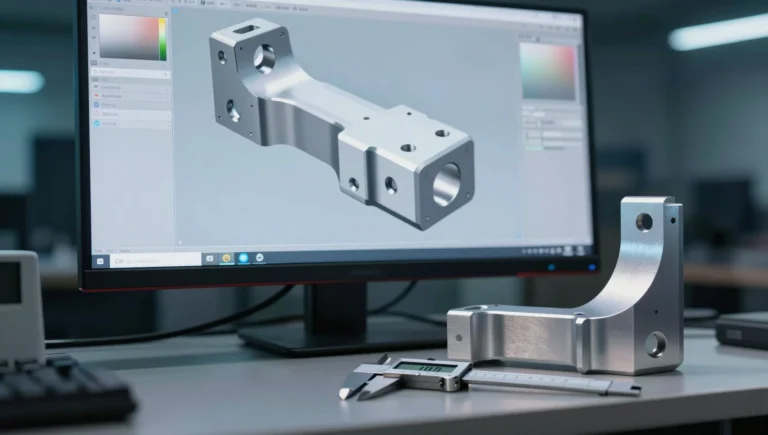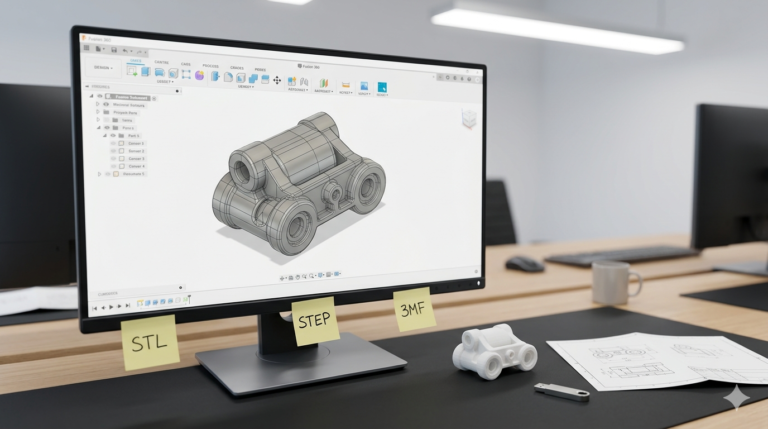
You paid for a 3D model, received a folder of files, and six months later your manufacturer asks for a 2 mm change you cannot make. That is what weak CAD file ownership looks like in practice: you hold an output, not an asset. CAD file ownership is decided long before the handover email — in one clause of the agreement and one line of the deliverables list — and most buyers read neither until a change request forces them to.
Why CAD file ownership decides what you can do next
Three things depend on it. First, revision cost: with the editable source model, moving a boss 2 mm is a five-minute parametric edit. Without it, a designer rebuilds the part from scratch. Second, supplier freedom: a factory that holds the only working model holds your tooling schedule. Third, valuation — investors and acquirers treat an unassigned design file the same way they treat an unassigned trademark, as a liability line in diligence.
The failure is almost never malicious. A freelancer delivers an STL because the client asked for “the 3D print file,” the project closes, and nobody writes down who owns what. Two years later the product sells, a competitor copies it, and the paperwork needed to enforce anything does not exist.
Assignment, license, and the words that transfer rights
Under US copyright law, a design commissioned from an independent contractor is not automatically a work made for hire. Absent a signed written assignment, the contractor retains copyright in what they created — you bought a copy, not the rights. Similar defaults apply in the UK and across most of the EU. We are engineers, not attorneys, so treat this as the checklist you take to counsel rather than legal advice.
Two clauses do the work. An assignment transfers the rights to you outright: look for “irrevocable, worldwide, perpetual assignment of all right, title and interest in the deliverables, including all intellectual property rights.” A license only permits use, and a license limited to “prototyping” will not cover mass production. Also settle portfolio rights explicitly — many studios want to show renders of past work, and a one-line carve-out (“designer may display non-technical renders after public launch”) prevents an awkward conversation later.
The CAD design deliverables package a real handover contains
A complete set of CAD design deliverables is not one file. For a typical enclosure or consumer part, the handover folder should contain:
- Native source: one .SLDPRT per part, .SLDASM for the assembly, .SLDDRW for every drawing — with the SolidWorks version stated in writing. SolidWorks files open forward, never backward: a 2026 part will not open in a 2023 seat.
- Neutral solid: STEP AP214 or AP242, plus Parasolid (.x_t) if a molder asked for it. This is the format any CAD system can read.
- Mesh: binary STL exported at roughly 0.01 mm deviation and 5° angle, and a 3MF, which carries units and color that STL cannot.
- 2D: dimensioned PDF drawings with tolerances and material callouts, plus DXF flat patterns if any part is sheet metal.
- Renders: PNG at 3000 × 3000 px on white if the part is heading for a marketplace listing.
- A design intent note: half a page naming the driving dimensions, assumed material, wall thickness, and the fits used. This is what lets any future engineer continue the work.
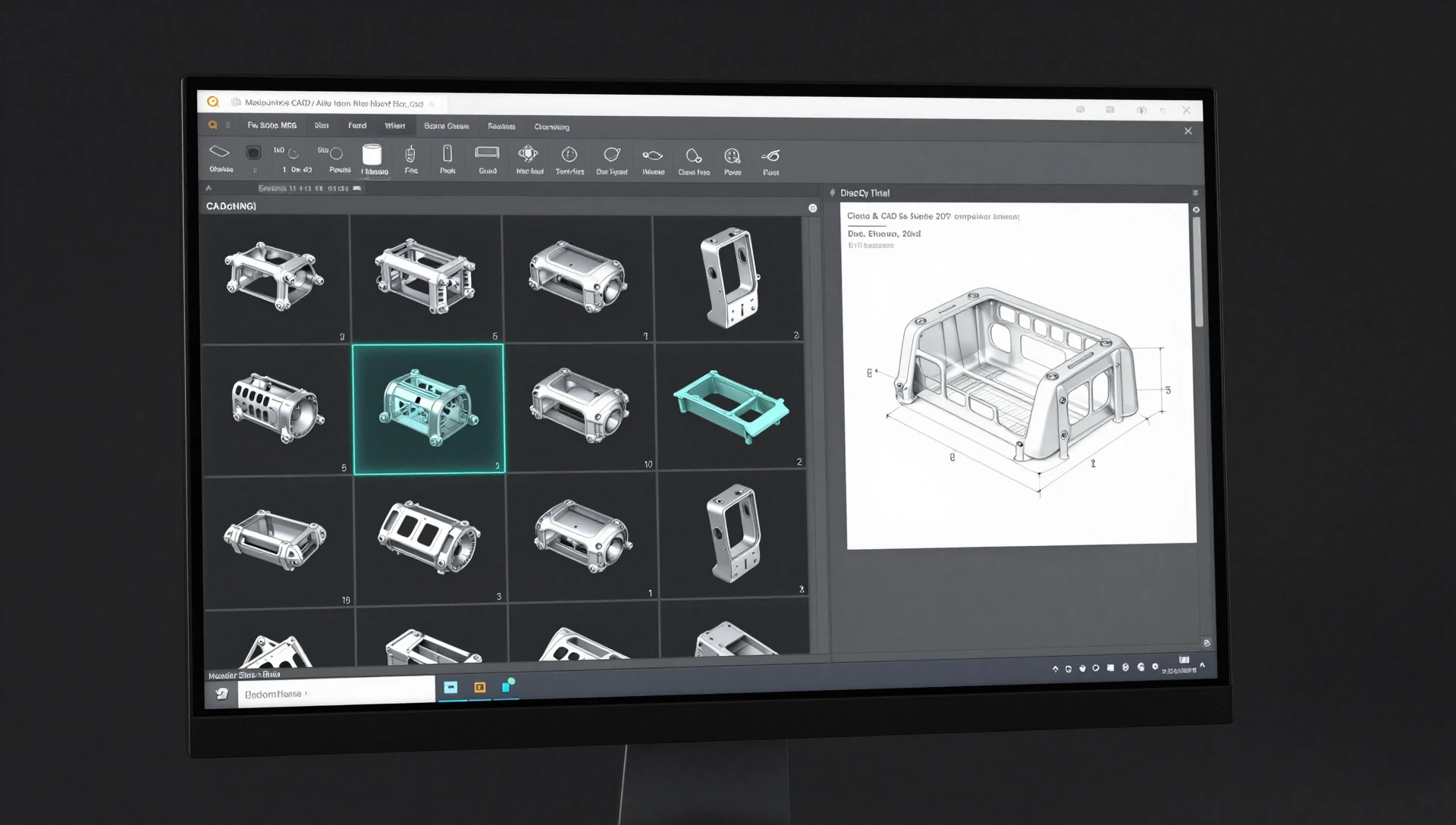
Source CAD files from a designer versus neutral exports
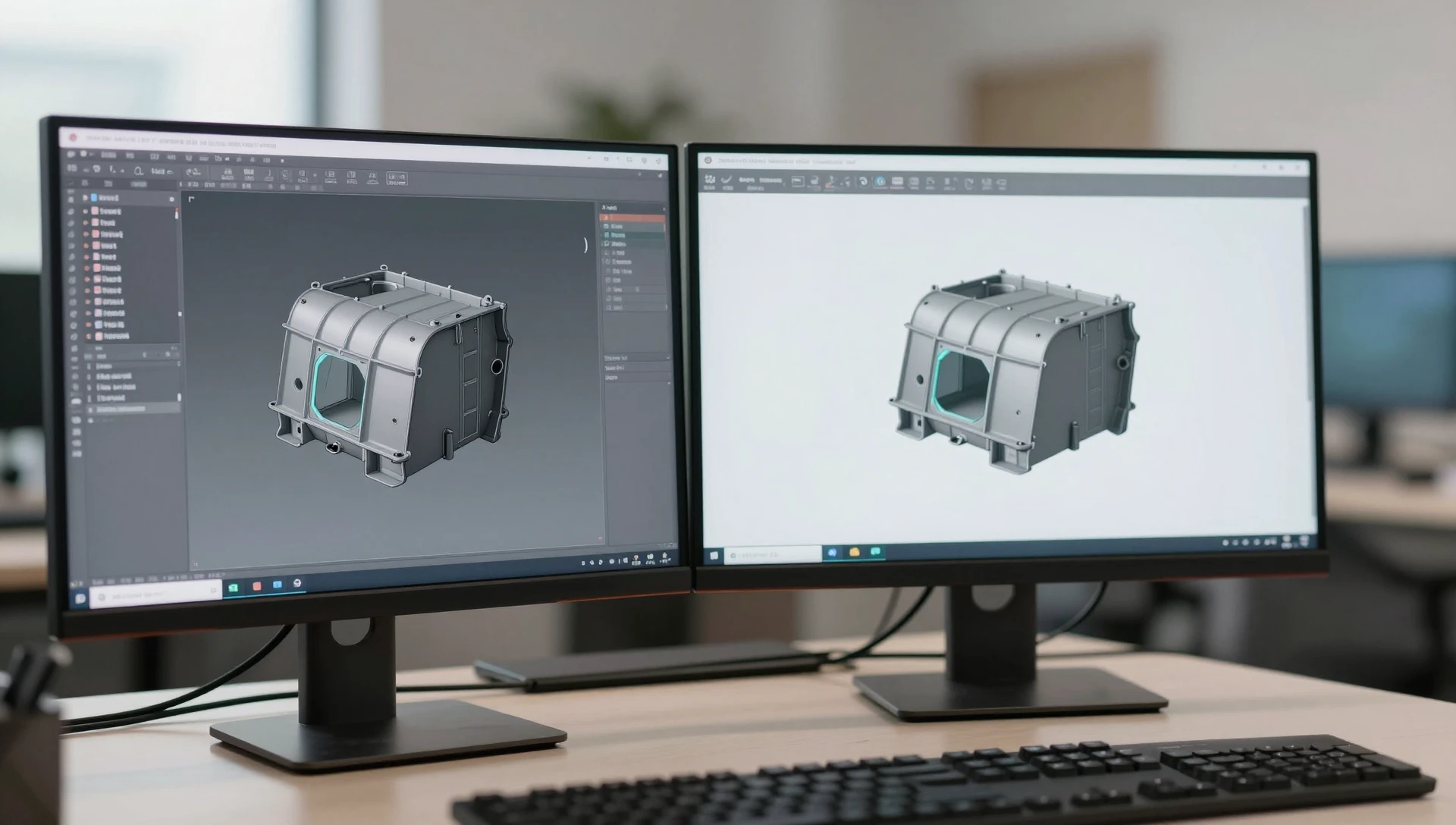
People assume a STEP file is the model. It is not. STEP carries the geometry but discards the feature tree — the ordered recipe of sketches, extrudes, fillets and equations that built the part. Import it and you get a “dumb solid”: a shape with no history and no parameters.
The practical difference is measured in hours. Changing a wall from 2.4 mm to 3.0 mm in a native .SLDPRT is one dimension edit and a rebuild — under ten minutes, and every downstream drawing updates with it. The same change on an imported STEP means deleting faces, patching surfaces, or remodeling the part outright: three to six hours on a mid-complexity enclosure, and the drawings must be redone by hand. That gap is the entire argument for insisting on source CAD files from a designer, and it is why the neutral formats belong in the package alongside the native files rather than instead of them. If the distinction between mesh and solid formats is new to you, our breakdown of STL versus STEP for manufacturing covers where each one belongs.
What files to request from a CAD designer for each job
Knowing what files to request from a CAD designer is easier when you work backward from the vendor who receives them:
- FDM or SLA printing: 3MF or binary STL, plus STEP so the shop can fix geometry rather than guess.
- CNC machining: STEP plus a PDF drawing carrying the tolerances that matter. Without the drawing the shop applies its default, typically ±0.13 mm, to features where you needed ±0.05 mm.
- Injection molding: STEP or Parasolid, a drawing, the resin specification, and a draft analysis. Molders will run their own manufacturability review, and published guidance such as the Protolabs design tips library is a fair benchmark for what they will flag.
- Patent illustration: orthographic PDF or DXF line views, no shading.
- Marketplace listings: high-resolution renders plus the render scene file if you plan to shoot new angles later.
When an NDA for CAD design projects earns its paperwork
An NDA for CAD design projects is worth the friction when the geometry itself is the invention — a mechanism, a sealing method, a novel fit. It matters less for a bracket that any competent engineer could redraw from a photograph. Keep it mutual, keep the term at three to five years, and define confidential information tightly enough that it survives a challenge.
One point gets confused constantly: an NDA restricts disclosure, it does not transfer ownership. Signing one and assuming you now own the model is the single most common mistake we see. You need both clauses, and if you are filing a patent, sign the assignment before any public disclosure or sale.
How to inspect the handover before the final payment
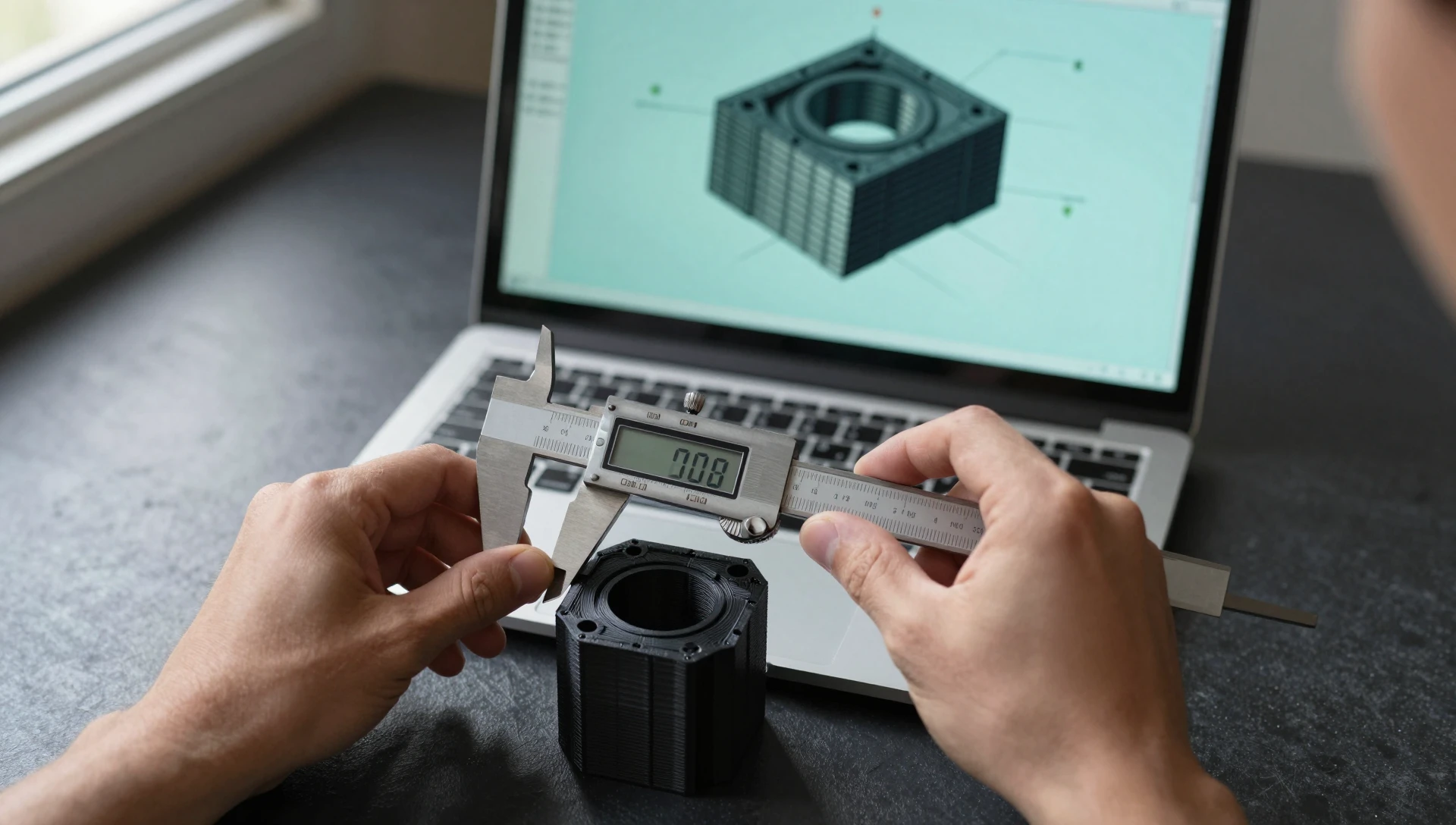
Spend twenty minutes before you release the last installment. Open the STEP in a free viewer such as eDrawings and measure three critical dimensions against your specification. Confirm the units read millimeters, not inches — a model built in the wrong unit system scales by 25.4 and nobody notices until the first print. Run the STL through a mesh check for holes or inverted normals. Count the files against the parts list. Confirm the SolidWorks version in writing, and confirm the .SLDDRW files are present, not only their PDF exports. Then confirm the assignment is signed. Getting the inputs right at the start makes this final check trivial, which is the point of our guide on what to send a CAD designer before starting.
Ready to turn your idea into a 3D CAD model? MiniCAD has delivered 7,000+ orders over 9+ years, rated 4.9 out of 5 across 4,470+ Fiverr reviews.
Packages start at $79. Send your sketch, photo or sample through our quote form and get a personal quote within 24 hours. You pay only after you accept it. Questions? Email contact@minicad.io.