Last month a client sent me his part as an STL file. He wanted me to make the hole 2mm wider.
I had to tell him the bad news: I couldn’t just edit the hole. His entire model was a mesh of triangles. No dimensions. No feature tree. No way to grab that hole and type a new number.
He ended up paying for a full re-model. That one wrong file format cost him a second modeling fee and three extra days.
It happens all the time. So here’s the shortest possible guide to stop it from happening to you.
STL — The 3D Printing File
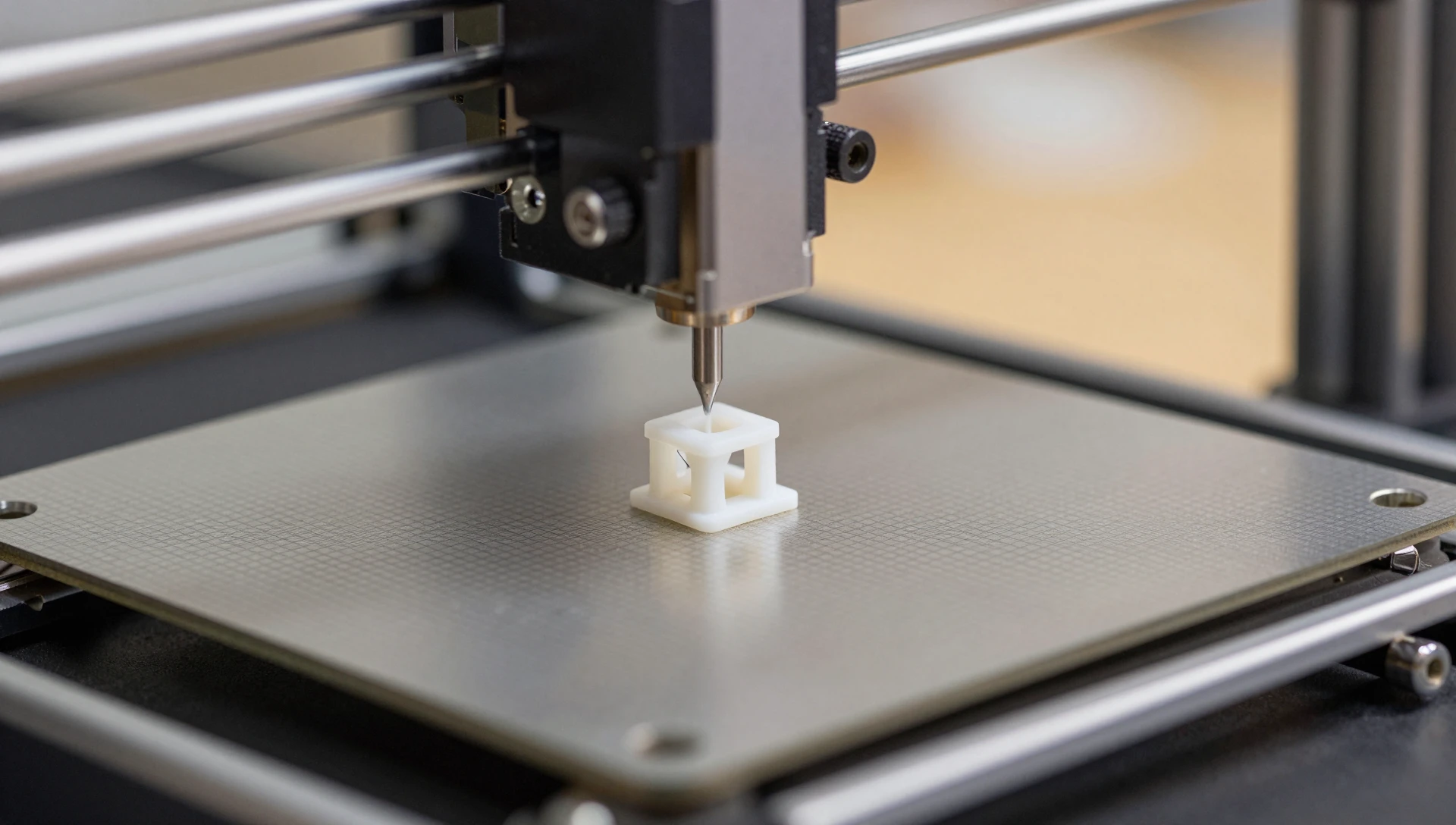
STL stands for Standard Tessellation Language. It takes your smooth CAD model and breaks it into thousands of tiny triangles. That’s all a 3D printer needs — a surface made of triangles, nothing more.
Send an STL when:
- You’re uploading to a 3D printing service (Shapeways, JLCPCB, your local print shop)
- You’re slicing the file yourself in Cura, PrusaSlicer, or BambuStudio
- The design is final and nobody needs to edit it again
Don’t send an STL when: you think you might ever need to change anything. A 2mm edit on an STL file often means rebuilding the entire model from scratch.
STEP — The Universal Engineering File
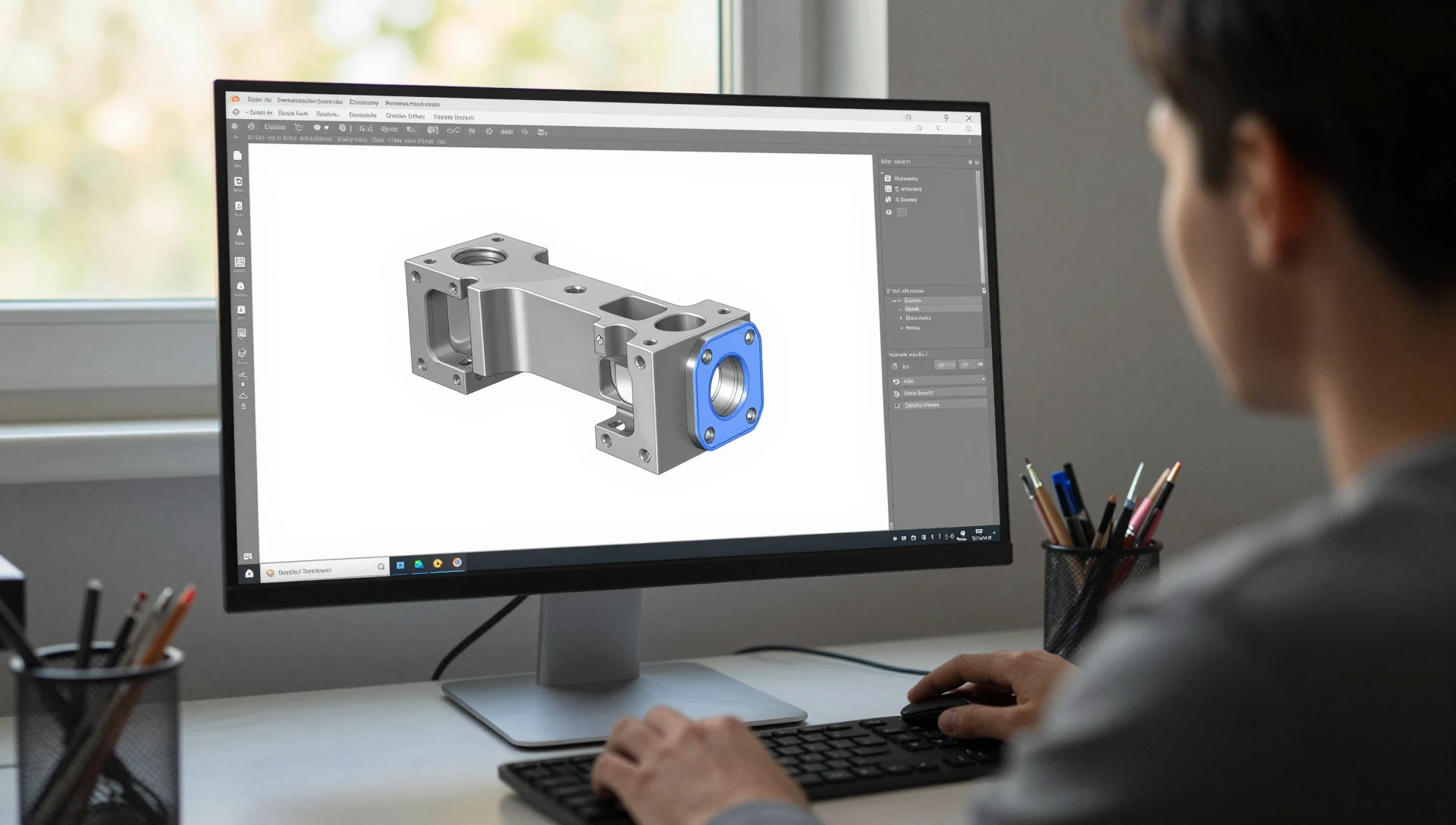
STEP (.STP) keeps the actual mathematical surfaces of your model intact — curves are curves, holes are holes, planes are planes. Every CAD program on the planet reads STEP files. SolidWorks, Fusion 360, CATIA, Inventor, FreeCAD — all of them.
Send a STEP when:
- You’re getting a quote from a CNC machine shop
- The mold maker needs to inspect wall thickness and draft angles
- Your manufacturer might need to tweak tolerances or fix minor issues
- You’re collaborating with another engineer who uses different software
Don’t send a STEP when: your 3D printer only accepts STL or OBJ — which is most consumer printers.
The One-Line Answer
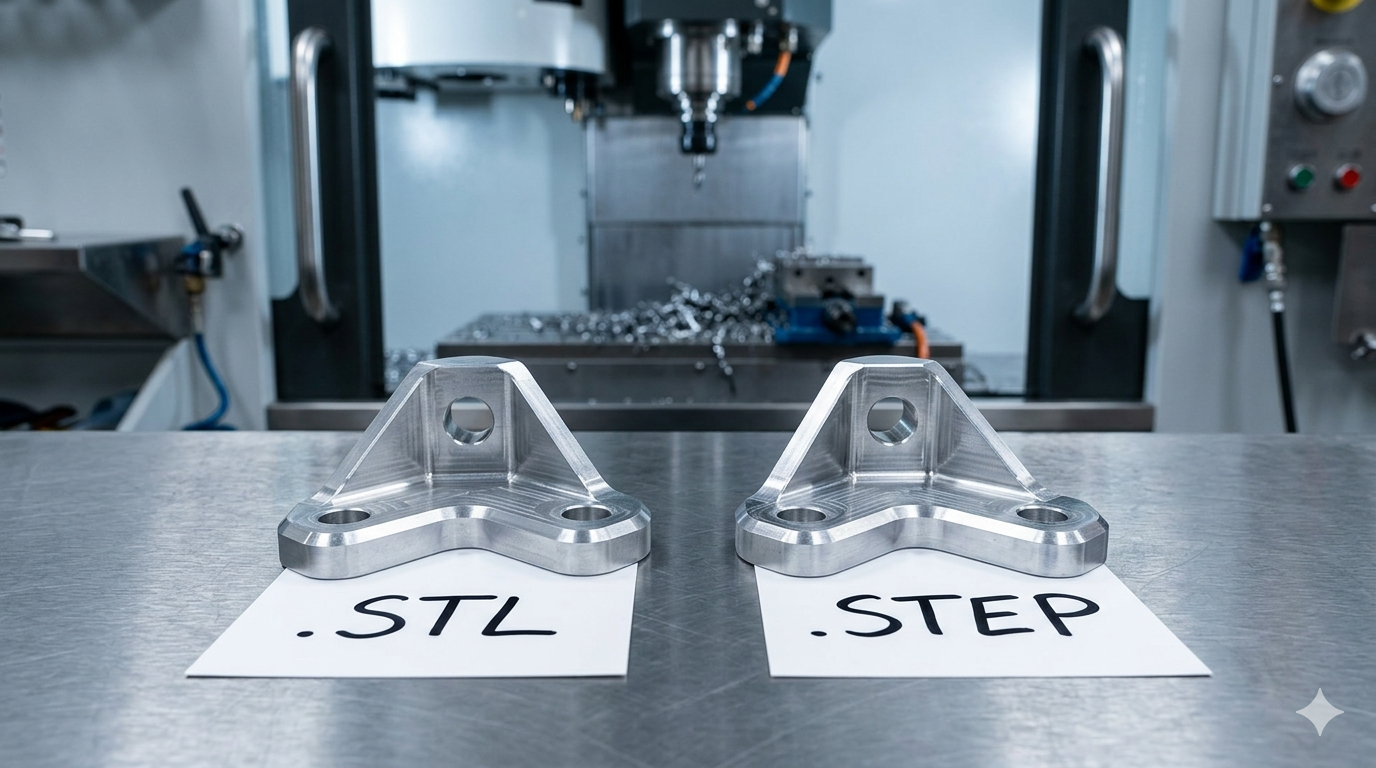
If your part is going on a 3D printer, send STL.
If your part is going to a manufacturer, send STEP.
If you’re not sure, send both.
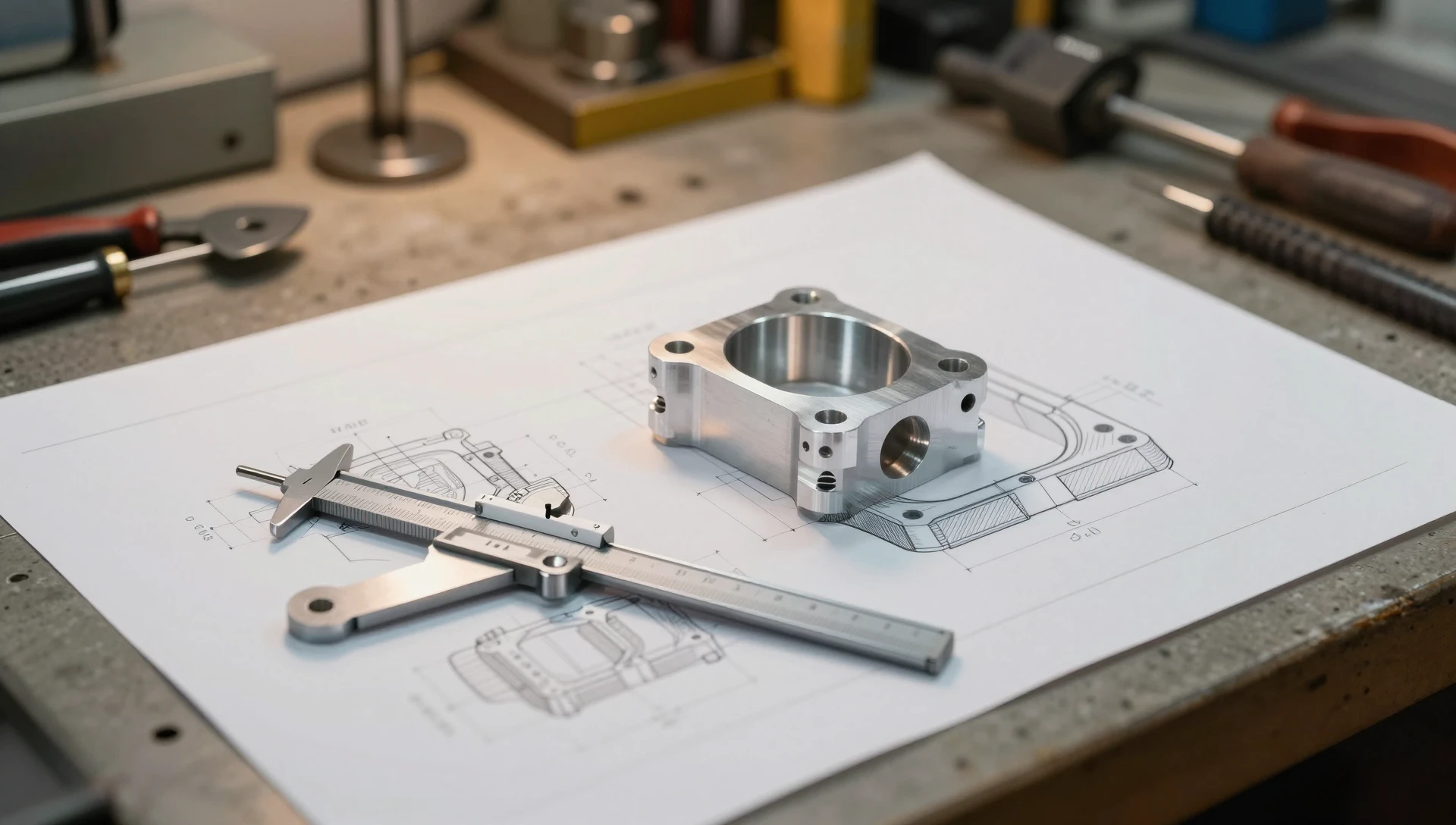
And here’s the real advice nobody tells you: always keep the native SolidWorks file (.SLDPRT or .SLDASM). That’s your master copy. STEP is the universal translator. STL is the printer-ready output. But the SolidWorks file is where the editable magic lives — the full feature tree, every sketch, every dimension you can grab and change.
Lose that, and your next design revision starts from zero.
See how we apply these principles in real projects — explore our custom 3D printed nozzle diffuser manifold and custom PCB enclosure 3D printed project box portfolio examples. Ready to start your own project? Check out our STL file design service and prototype design service for professional SolidWorks engineering.
Quick Reference
| Format | What it is | Use it for | Editable |
|---|---|---|---|
| STL | Triangle mesh of the outer surface | Slicing for any 3D printer; the format every print service accepts | No |
| STEP | Exact solid model (ISO 10303) | Editing, CNC machining, injection molding, sending to any CAD system | Yes |
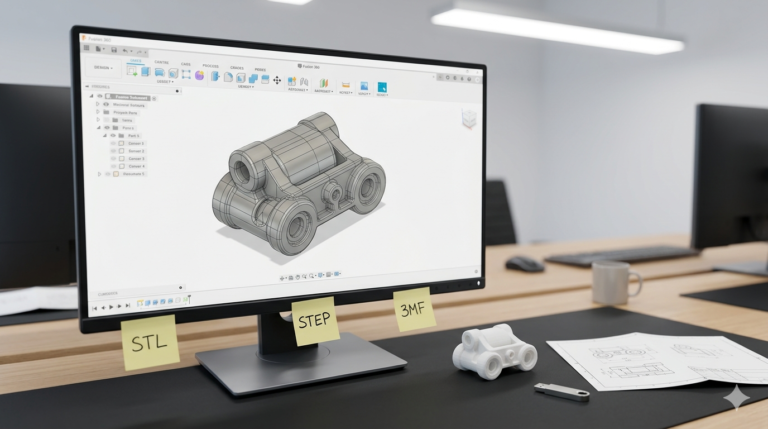
| 3MF | Mesh plus color, material, units and orientation | Multi-color and multi-material printing; one file with the print settings | No |
| OBJ | Mesh with texture coordinates | Color 3D printing and visualization; rarely needed for mechanical parts | No |
| SLDPRT | Native SolidWorks part with the feature tree | Future design changes by anyone with SolidWorks | Yes |
What about 3MF?
3MF stores what STL cannot: colors and materials per region, the unit system, the print orientation and, in some slicers, the support and print settings. Bambu Studio, PrusaSlicer and Cura all read it, so for a multi-color print it is the file to send. STL stays the safe default when you do not know the recipient’s software; a print bureau will accept it without a question. Ask for both when you order a model.
STL export settings that matter
Export binary, not ASCII: the file is about a fifth of the size with identical geometry. Set the chord (deviation) tolerance below 0.05 mm and the angle tolerance to 10 degrees or less, or choose the “Fine” preset. Coarser settings show as flat facets on curved surfaces; finer ones add megabytes without a visible gain at common layer heights.
Ready to turn your idea into a 3D CAD model? MiniCAD has delivered 7,000+ orders over 9+ years, rated 4.9 out of 5 across 4,470+ Fiverr reviews.
Packages start at $79. Send your sketch, photo or sample through our quote form and get a personal quote within 24 hours. You pay only after you accept it. Questions? Email contact@minicad.io.