What you send us
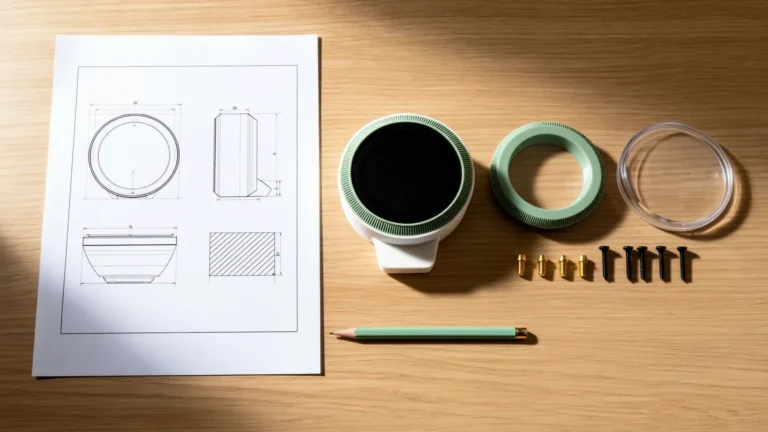
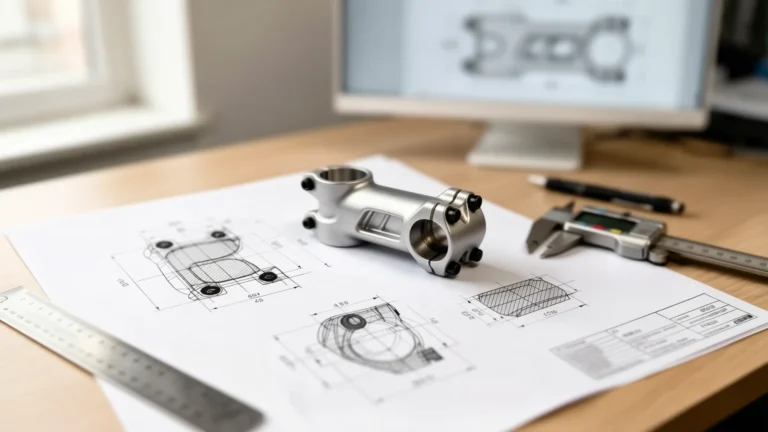
A hand sketch with the main dimensions. A photo of the part you want copied or improved, with one known measurement for scale. A broken part you need remade. An existing file that does not print. Or a description and the object it has to fit. We ask for anything missing before quoting.
What you get
- STL for your slicer, exported at a chord height of 0.02 mm so curved surfaces print smooth.
- STEP for later edits or a CNC shop.
- 3MF on request for multi-color or multi-material printers.
- The native CAD file (SLDPRT) with the Complex Part and Assembly packages, or as an add-on on a Single Part.
- A note with the recommended print orientation and the clearances we designed in.
Before delivery we check wall thickness, feature size, overhangs, hole sizes and fit clearances against the rules for your printer and material.
Design rules we apply
| Rule | FDM | SLA resin | SLS / MJF nylon |
|---|---|---|---|
| Minimum wall | 1.2 mm (0.4 mm nozzle) | 0.5 mm | 0.8 mm |
| Minimum feature | 0.8 mm | 0.3 mm | 1.0 mm |
| Typical tolerance | ±0.2 mm | ±0.1 mm | ±0.3 mm |
| Fit clearance per side | 0.3 mm | 0.15 mm | 0.5 mm |
| Unsupported overhang | 45° | Drain holes ≥ 3 mm on hollow parts | No supports needed |
| Smallest hole | 2 mm (+0.4 mm for screws) | 1 mm | 1.5 mm |
Snap fits are designed within the material’s strain limit (ABS 2 %, PETG 1.5 %, PLA 1 %) with a 1.5 mm fillet at the base. Heat-set inserts get a −0.2 mm hole. Text is raised at least 1.5 mm high with a 0.6 mm stroke.
Recent 3D-print design projects
- NFC coin: a two-color coin with a pocket for an NFC tag, printed on a multi-material FDM printer.
- NFC keychain: a branded keychain with embossed logo and a sealed tag cavity.
- PCB enclosure: a snap-fit project box with vents, port cut-outs and screw bosses, modeled around the board’s STEP file.
- Mounting bracket: a caliper-measured bracket with a hex pattern, delivered as STL, 3MF and STEP.
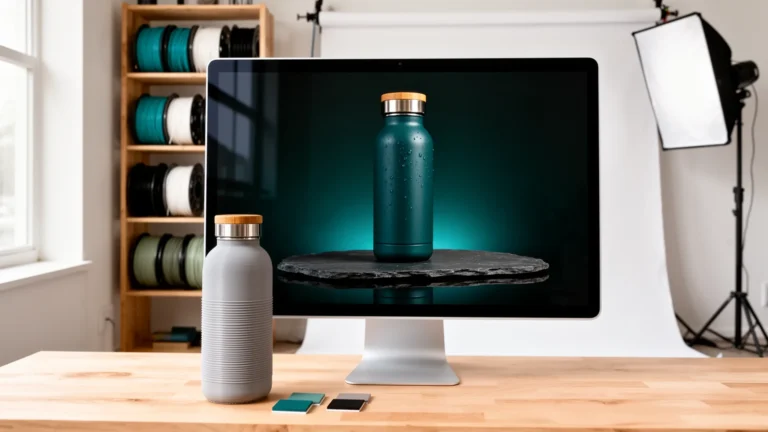
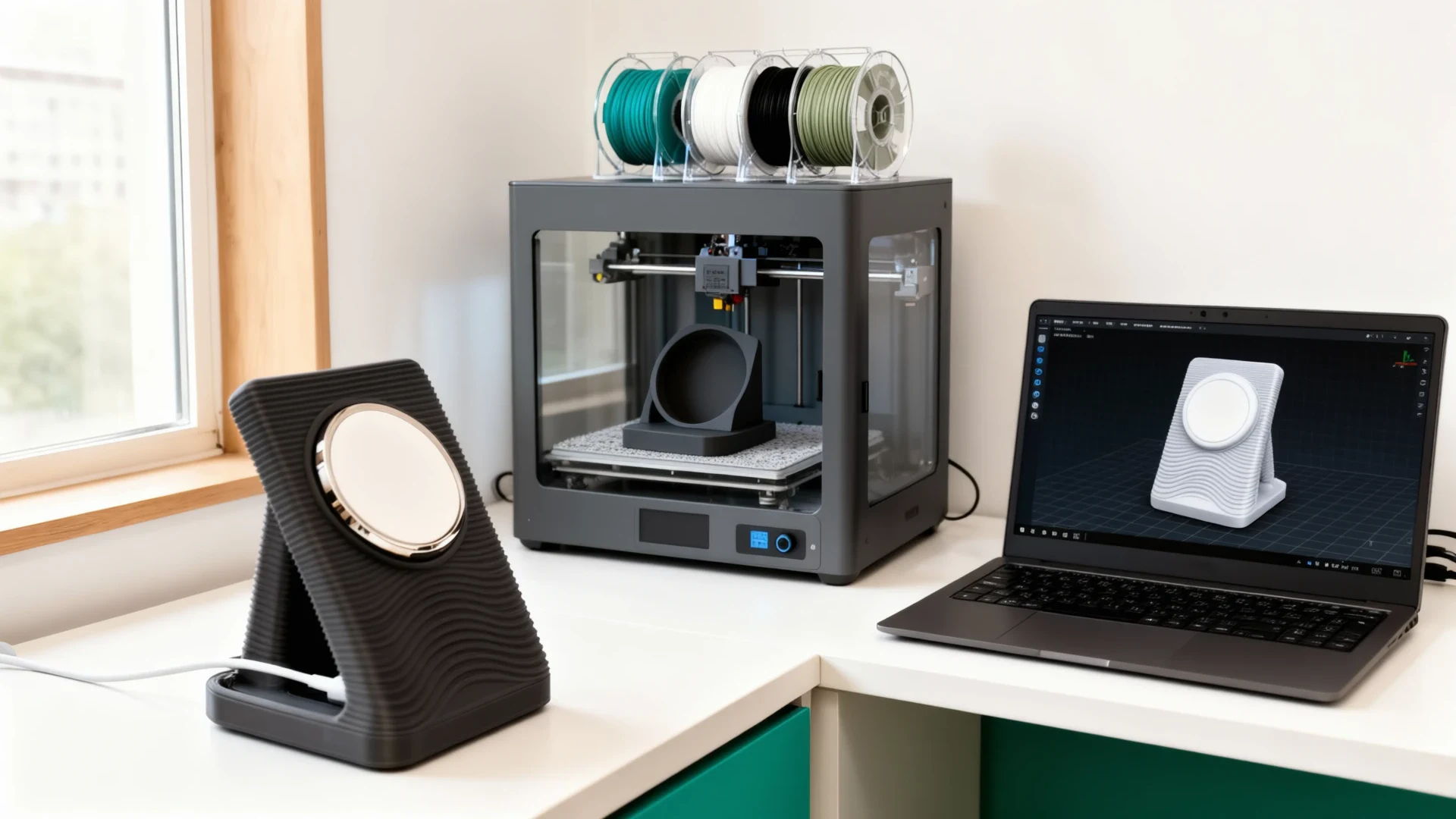
The gallery above shows the printed parts.
STL file repair
Already have a file that does not print? A model that looks fine on screen can still fail: non-manifold edges and flipped normals make the slicer refuse the file or print inside-out shells; open holes let the slicer guess where the surface is; self-intersecting faces survive a visual check but break triangulation; a unit mismatch between the CAD tool and the slicer prints the part at the wrong size; and walls under the minimum for your process vanish or tear.
How we repair it
Every file goes through automated mesh analysis first, so we see the complete error map before any manual work. Simple errors are fixed automatically. Non-manifold topology, large open shells and scaling problems are fixed by hand on the geometry, not patched on the surface, because a patched mesh can pass the slicer and still fail under load or in a dimensional check. See the nozzle and diffuser manifold for internal geometry that had to be rebuilt to print correctly.
Print check included
Once the file is watertight we check it for printing: orientation for the least support, overhangs against your printer’s limit, wall thickness (FDM 1.2 mm, SLA 0.5 mm, MJF 0.8 mm), and features that print poorly regardless of orientation, such as pins under 2 mm, holes under 1.5 mm and bridges over 60 mm. You get the repaired file and a short note on what we changed.
When repair is not enough
Files from consumer sculpting apps, low-resolution scans or converters that approximate geometry often print better when rebuilt as a proper CAD model. When that is the case we say so before work starts and quote both options. To start, upload the STL on the quote page and describe the failure: slicer error, print artifact or wrong dimensions.
How it works
- Brief. Send your sketch, photo or file through the quote page, with the printer and material if you know them.
- Quote. Within 24 hours you get the package, the price and the delivery estimate in business days.
- Approve and pay. Work starts when the invoice is paid.
- Model. We build the part in 3D CAD and send a render to confirm the shape and dimensions.
- Files. You receive the STL, STEP and any other files in your package, checked against the design rules above.
- Revisions. Your package includes 1, 2 or 3 revision rounds; send all changes in one list per round.
Who orders this
Inventors who need a first printable prototype. Amazon and Etsy sellers who need a product file a factory or print farm can run. Makers with a printer and a part to copy or improve. Engineers who outsource overflow modeling and want files that pass their slicer the first time.
Packages
| Package | Price | Revisions | Best for |
|---|---|---|---|
| Single Part | $79 | 1 | 1 part modeled · STL + STEP · 3 business days |
| Complex Part | $149 | 2 | Complex geometry · STL + STEP + SLDPRT · 4 business days |
| Assembly | $289 | 3 | Up to 5 parts · STL + STEP + SLDPRT + SLDASM · 5 business days |
| Custom Project | Quoted personally | Agreed in the quote | Quoted personally · Reply within 24 hours |
Frequently Asked Questions
Which file format do I need, STL or STEP?
STL is what your slicer reads, so every order includes it. STEP is the editable solid model: keep it if you may change the part later or send it to a CNC shop. 3MF carries color, units and orientation for multi-color printers. You receive STL and STEP with every package; 3MF on request.
Can you design from a photo or a hand sketch?
Yes. Most orders start with a sketch, a photo of a broken part or a few measurements. Send what you have and the main dimensions in millimeters or inches. We model the part in 3D CAD, send you a render to approve, and only then export the print files.
Do I own the files?
Yes. Once the invoice is paid, the STL, STEP and 3MF files and the native CAD file in your package are yours to print, share or modify, with no license fee and no attribution. We keep a copy only to serve revisions, and delete it on request.
How many revisions are included?
Single Part includes 1 revision round, Complex Part 2 and Assembly 3. A round is one consolidated list of changes. Fixes to anything that is our error are always free, and slicer-visible issues in the delivered file are corrected within the revision rounds.
Which printers and materials do you design for?
FDM (PLA, PETG, ABS, TPU), SLA resin and SLS or MJF nylon. Tell us the printer and material in the brief: wall thickness, clearances, hole sizes and orientation differ by process, and we check the model against the rules for yours before delivery.
Do you also print the part?
We design; we do not print. You receive files ready for your own printer or any print service. If you need printing arranged, say so in the brief and we will point you to a print shop that fits the material and quantity.
How long does it take?
Your quote states the delivery estimate in business days, based on the part's complexity and the package you choose. Work starts once you approve the quote and pay the invoice. Paid rush delivery is available; the timeline is agreed in your quote.
Which STL errors can you fix?
Non-manifold edges, flipped normals, self-intersecting faces, open shells and holes, zero-area triangles, wrong scale from a unit mismatch, and walls below the minimum for your process. We also flag features that will print poorly whatever the orientation and propose a fix.
Do you repair the mesh or rebuild the part?
Simple errors are fixed on the mesh. Structural problems, such as a badly scanned or sculpted model with millions of loose triangles, print more reliably when the part is rebuilt in 3D CAD. We tell you which path we recommend, with a quote for each, before any work starts.
Which files do you accept for repair?
We accept STL (binary and ASCII), OBJ, 3MF and STEP. You receive a binary STL and, on request, a 3MF or the editable CAD model when the part was rebuilt. Every file is slicer-ready with no warnings.
How is STL repair priced?
Every repair is quoted after we look at the file: a quick mesh fix costs less than a rebuild. Upload the file through the quote page and describe the failure you see. The quote states the price and the delivery estimate in business days.