Photo: Tima Miroshnichenko / Pexels
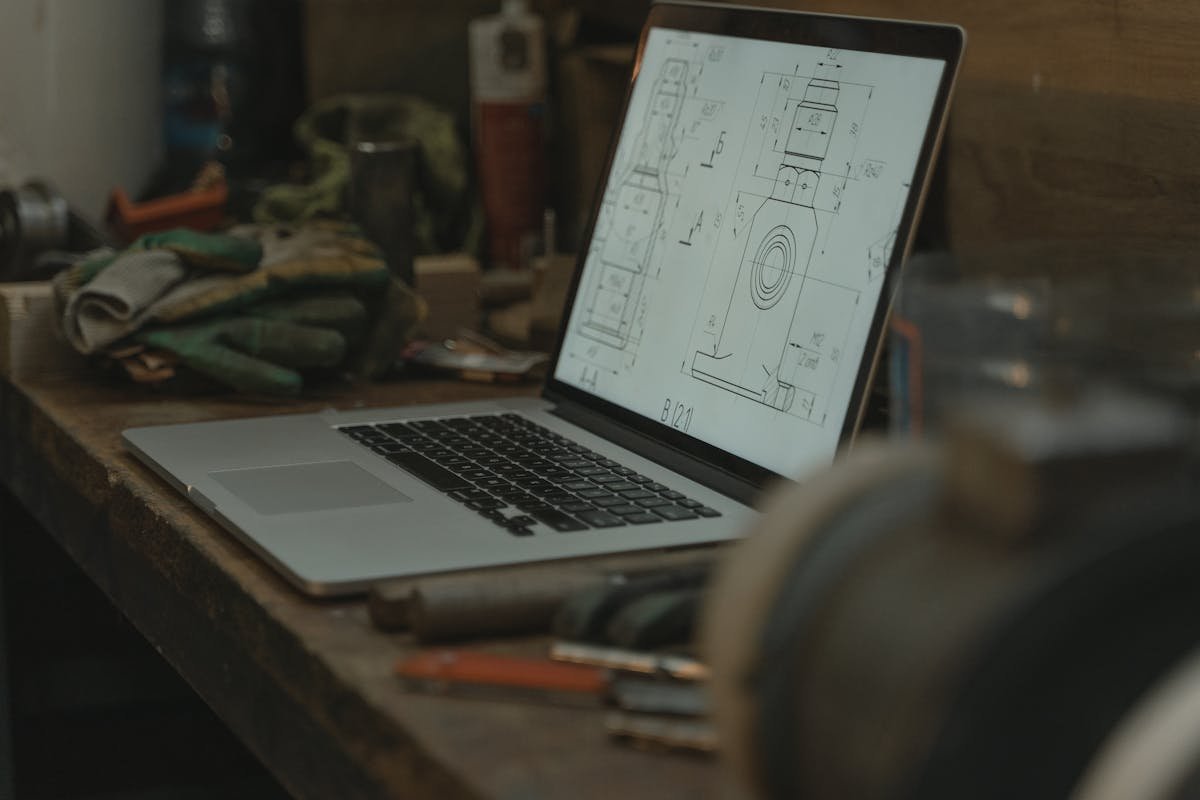
Let me tell you about a pipe clamp.
Simple part. U-shaped bracket, two bolt holes, holds a 25mm pipe to a flat surface. I’ve modeled variations of this part at least 50 times over the years. It should take 30 minutes and one revision round. Maybe zero revisions if the client’s sketch is solid.
Last quarter, I modeled the same basic clamp four separate times for four different clients. All four required extra revision rounds. All four cost more than they should have. And each one failed for a completely different — and completely avoidable — reason.
Here’s what went wrong, and what you can learn from their mistakes.
Client 1: “I’ll Know It When I See It”
The message said: “I need a clamp for a pipe. Something simple.” No sketch. No dimensions. No photo. No description of the pipe diameter, the surface it mounts to, the bolt size, the material, or the load.
I asked five clarifying questions. Got partial answers. Modeled something reasonable based on assumptions. Client looked at it and said “no, more like an L-shape, not a U-shape.”
Completely different part. Back to step one.
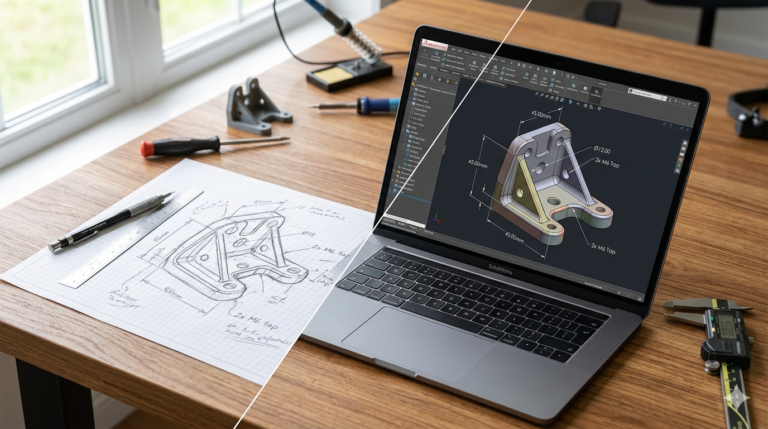
The lesson: Even a 30-second napkin sketch with rough dimensions saves both of us hours. You don’t need to be an artist. You need to communicate shape, size, and function. A bad sketch is infinitely better than no sketch.
Client 2: The Missing Mating Part
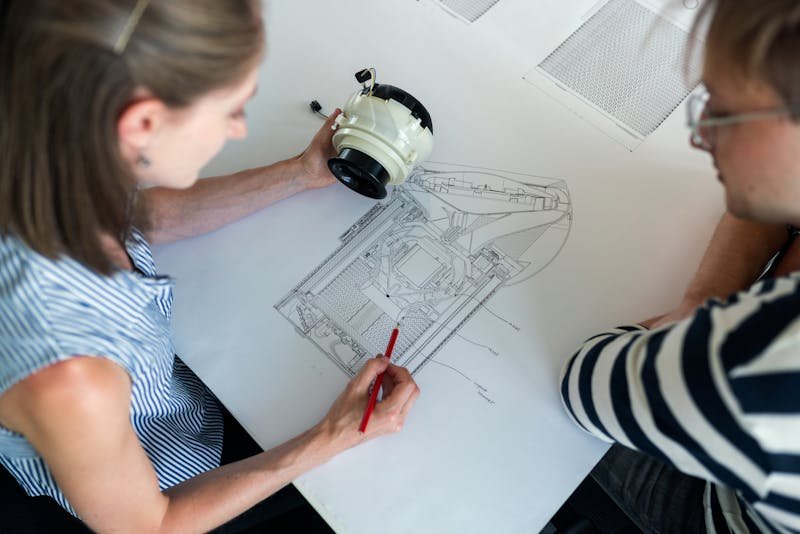
Photo: ThisIsEngineering / Pexels
Great sketch. Clear dimensions. Material specified. I modeled it in 25 minutes. Delivered. Client was happy — until they tried to mount it.
“The bolt holes don’t line up with my existing bracket.”
Nobody told me there was an existing bracket. The hole spacing was drawn as 40mm on the sketch. The existing bracket’s holes were 42mm apart. Two millimeters. Invisible on a sketch. A complete redesign of the mounting geometry.
The lesson: If your part connects to something else, tell your CAD engineer about the something else. Send a photo. Send measurements of the mating part. Send the datasheet. Context is the difference between a part that looks right and a part that fits right.
Client 3: Designed for the Wrong Process
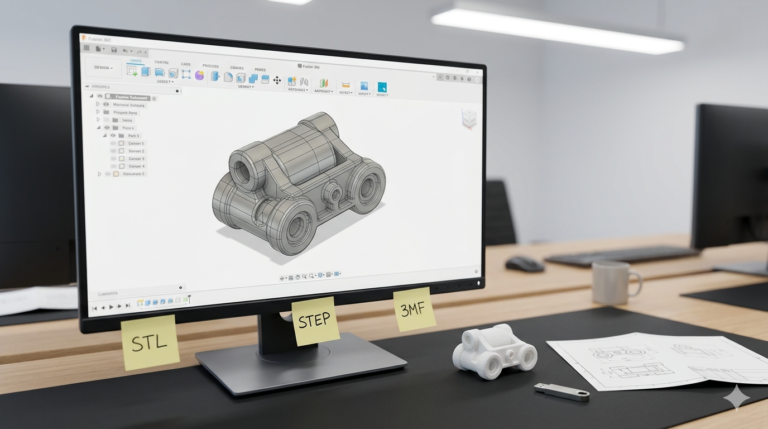
Client wanted the clamp for production — 500 units in stainless steel. But none of that information appeared in the brief. I modeled it for 3D printing because that’s the default assumption when someone says “simple bracket.”
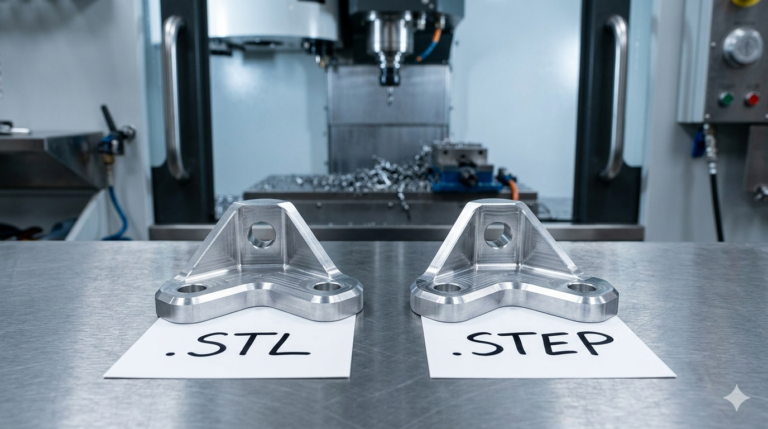
3D printing design has thick walls, no draft angles, generous fillets everywhere, and no consideration for tool access. CNC machining design has minimum internal radii dictated by cutter diameter, sharp external edges, and features accessible from standard fixturing directions. Injection molding design has uniform wall thickness, draft angles on every face, and gate/ejection considerations.
Three completely different models from the same sketch. I built the wrong one because I didn’t know the manufacturing method.
The lesson: Tell your engineer how the part will be made. “This is for FDM printing” or “This will be CNC machined from 316 stainless” or “This is for injection molding, 500 units.” That single sentence changes every design decision in the model.
Client 4: Tolerance Ambiguity
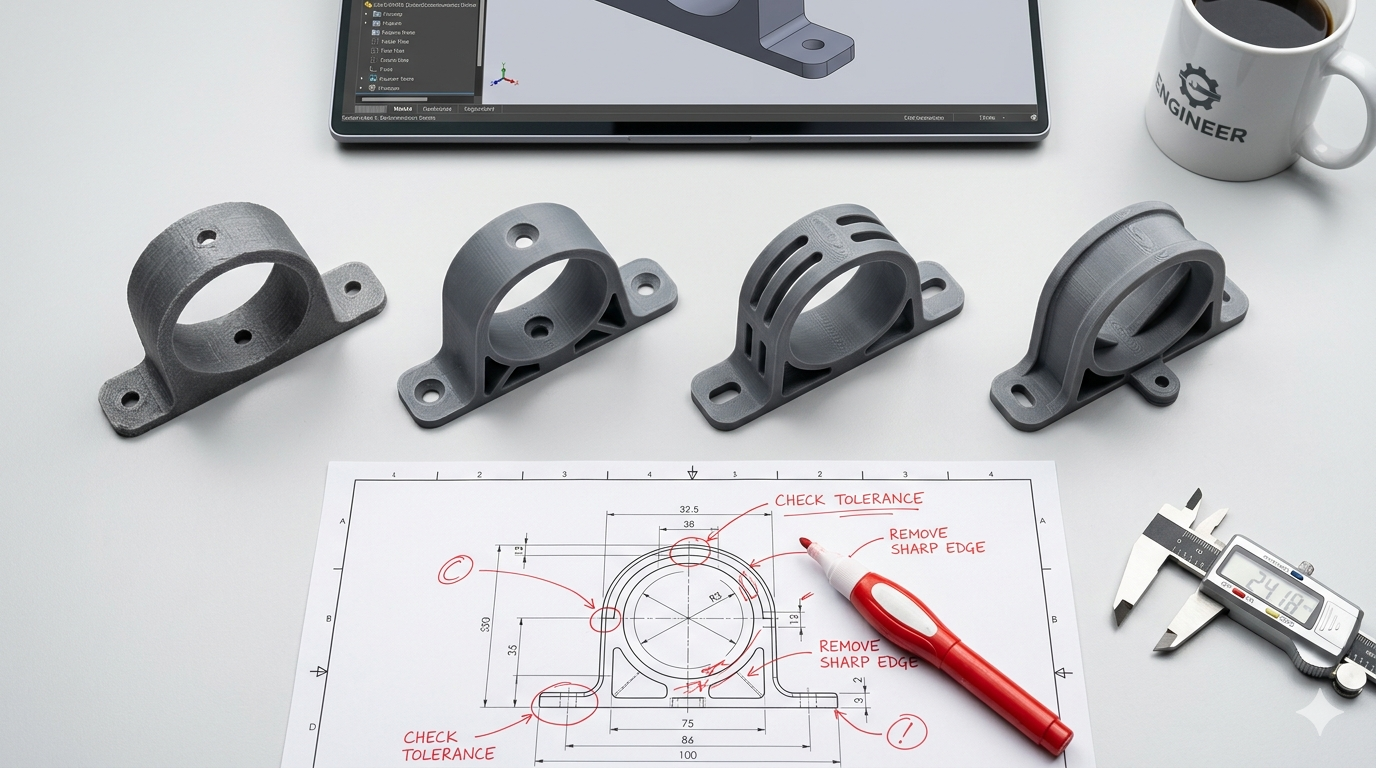
The sketch said the pipe bore was 25mm. The pipe was actually 25.4mm (1 inch — the client was working in imperial and converted wrong). The clamp I modeled gripped the pipe too tightly. With thermal expansion in the client’s outdoor application, the interference became a press fit that couldn’t be assembled by hand.
The fix was simple: increase the bore to 25.8mm for 0.4mm clearance. But it required a revision round and a reprint.
The lesson: Double-check your measurements. Measure twice, especially when converting between metric and imperial. If clearance matters, state it: “The pipe is 25.4mm and I need 0.3mm clearance on each side for easy assembly.” Don’t make the engineer guess whether 25mm is exact or approximate.
See how we apply these principles in real projects — explore our custom brackets and mounts designed in SolidWorks and 2D technical drawing for manufacturing portfolio examples. Ready to start your own project? Check out our outsource CAD design and SolidWorks modeling service for professional SolidWorks engineering delivered in 24 hours.
The 60-Second Brief That Prevents All Four Problems
After thousands of these conversations, I’ve landed on a checklist. If every client answered these six questions before starting, 80% of revision rounds would disappear:
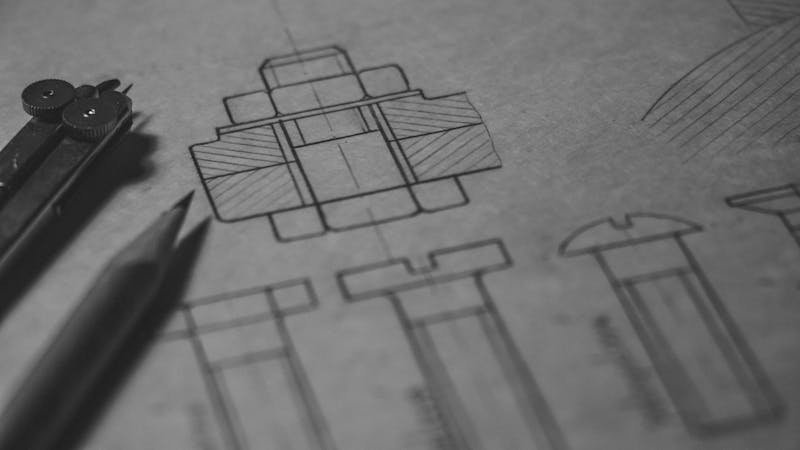
Photo: Matej / Pexels
- What does it look like? Sketch, photo, or description. Anything.
- What are the critical dimensions? Overall size + any dimension that must be exact.
- What does it connect to? Mating parts, bolt patterns, existing assemblies.
- How will it be made? 3D printing, CNC, injection molding, laser cutting.
- What material? PLA, aluminum, stainless steel, ABS — or “I don’t know, recommend something.”
- What does it do? The function. “Holds a pipe.” “Protects a PCB.” “Guides a belt.” Context prevents bad assumptions.
That’s it. Six answers. Takes 60 seconds. Saves days and dollars.
At MiniCAD, if a client’s brief is missing any of these, I ask before I model. It adds 30 minutes to the start of the project but eliminates hours of revisions later. Every time.
Ready to get it right the first time?
Send your sketch and brief. We’ll ask the right questions before modeling — so the first delivery is the final delivery.
4,470+ reviews · 4.9★ rating · 24-hour delivery available
{
“@context”: “https://schema.org”,
“@type”: “Article”,
“headline”: “I Redesigned the Same Part 4 Times. Here’s What Each Client Got Wrong.”,
“description”: “4 real client stories showing the most common CAD design brief mistakes — and a 60-second checklist that prevents all of them.”,
“author”: {“@type”: “Person”, “name”: “Loay”, “url”: “https://minicad.io”},
“publisher”: {“@type”: “Organization”, “name”: “MiniCAD”, “url”: “https://minicad.io”},
“datePublished”: “2026-03-19”,
“image”: “https://minicad.io/wp-content/uploads/2026/03/common-cad-design-mistakes-clients-make-1.jpg”,
“mainEntityOfPage”: “https://minicad.io/blog/common-cad-design-mistakes-clients-make”
}