
Photo: ThisIsEngineering / Pexels
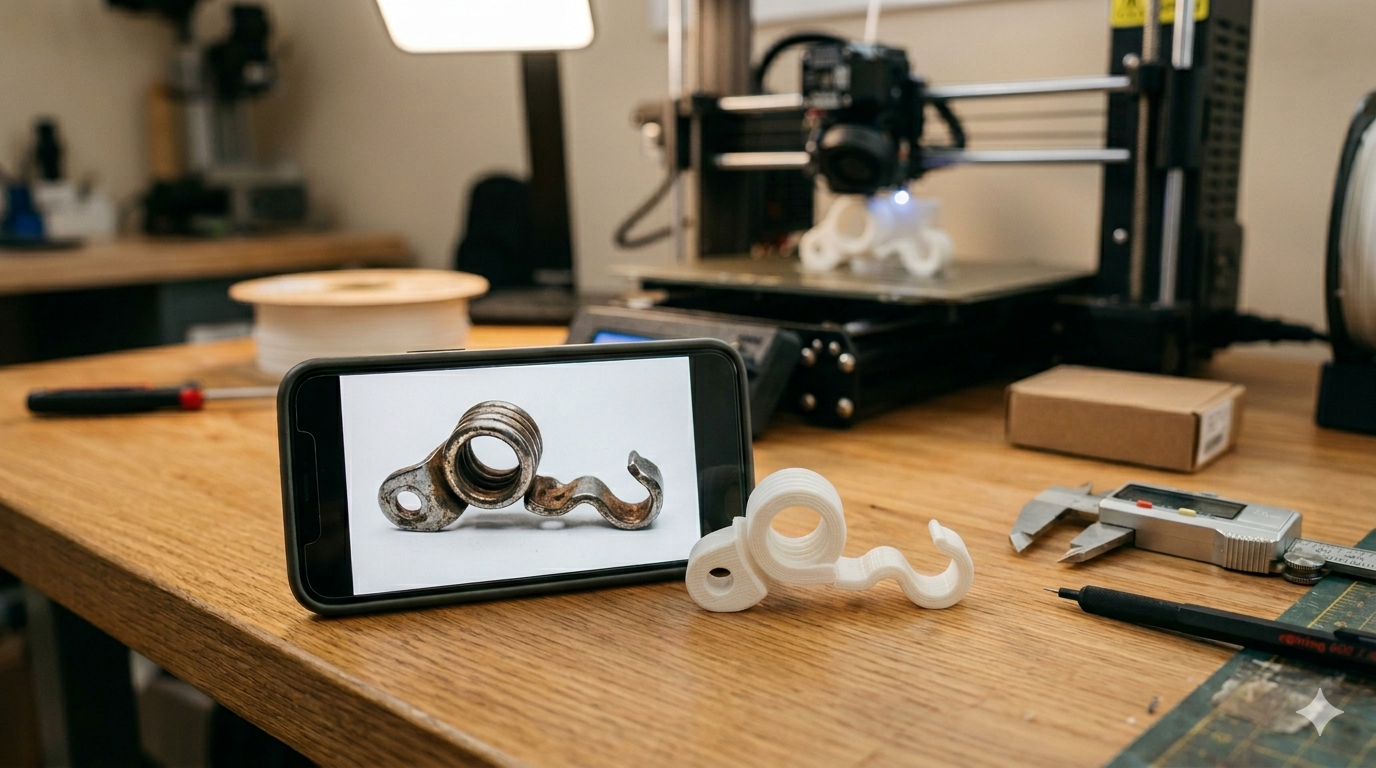
A client in Texas messaged me last Tuesday. He had a broken plastic clip from his vintage motorcycle — one of those parts that doesn’t exist anymore. No part number. No manufacturer. Just the broken piece sitting on his workbench.
He took six photos with his phone, held a quarter next to the part for scale, and sent them over. Forty hours later, he had a SolidWorks file, an STL, and a 3D printed replacement clip that snapped right into place.
This is probably the most common project I get at MiniCAD. And the question behind it is always the same: can you really 3D print something from just a photo?
The short answer is yes. The longer answer is that it’s not magic — there’s a real engineering process between your photo and the printer.
What a Photo Gives You (and What It Doesn’t)
A photo gives you shape, proportion, and visual detail. That’s genuinely useful. An experienced CAD engineer can look at a photo and identify features — fillets, chamfers, draft angles, hole patterns, wall thickness estimates.
What a photo does not give you is dimensions. And dimensions are everything in engineering.
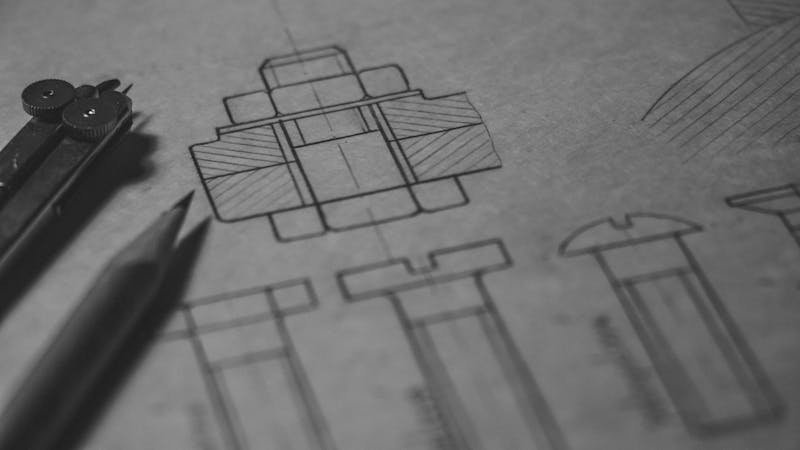
Photo: Matej / Pexels
That’s why the scale reference matters so much. A coin, a ruler, a credit card — anything with a known real-world size sitting next to the object tells me the actual proportions. Without it, I’m guessing. And guessing doesn’t work when you need a part that fits into an assembly with 0.2mm clearance.
The Real Process: Photo to 3D Model
Here’s exactly what happens when you send photos to a CAD engineer:
- Reference analysis. I study every photo, identify the geometry type (prismatic, revolved, organic), and estimate the complexity. Multiple angles are critical — a single front-facing photo of a complex part is almost useless.
- Dimension extraction. Using the scale reference, I calculate real dimensions. If you’ve also sent measurements with calipers — even just the overall length, width, and a few critical hole diameters — the accuracy jumps dramatically.
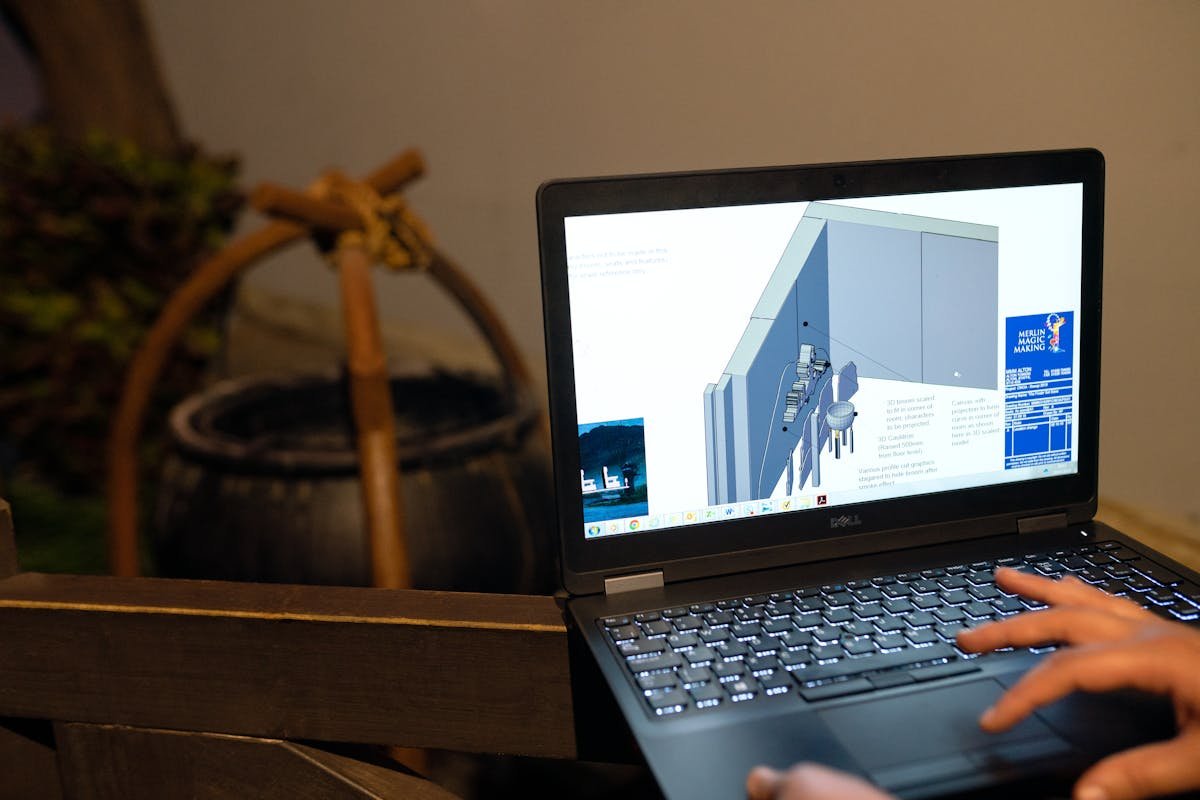
- CAD modeling. I build the part in SolidWorks from scratch, using the photos as reference. This isn’t tracing — it’s interpreting geometry, applying engineering judgment about fillets and radii, and building a fully parametric model.
- Review. I send you screenshots or renders of the model from the same angles as your original photos. You compare. We revise until it matches.
- Export. SolidWorks native + STEP + STL. Ready for printing or manufacturing.
What Makes a Good Photo for 3D Modeling?
After doing this hundreds of times, I can tell you exactly what separates a photo set that leads to a perfect model from one that leads to three rounds of revisions:
- 4-6 angles minimum. Front, back, top, bottom, and both sides. If it’s symmetrical, you can skip the mirror side.
- Scale reference in every shot. A ruler is best. A coin works. Just keep it in the same plane as the object, not behind it.
- Good lighting. Shadows hide geometry. Flat, even lighting reveals it. Take photos near a window during the day — don’t use flash.
- Close-ups of complex features. Screw threads, snap-fit clips, thin walls, small holes — photograph these separately with the camera as close as it’ll focus.
- One known measurement. Even if you just measure the overall length with a tape measure, that single number anchors everything else.
Photo: Fox / Pexels
When Photos Aren’t Enough
I’ll be honest — there are cases where photos alone won’t cut it:
- Internal geometry. If the part has internal channels, hidden pockets, or features you can’t photograph, I need a cross-section sketch or description.
- Mating surfaces. If the part fits into something else with tight tolerances, I need the mating part’s dimensions — or the mating part itself photographed.
- Flexible or deformed parts. A broken clip that’s bent doesn’t show its original shape. Describe what it looked like before it broke.
In these cases, a quick video call solves everything. You hold up the part, I ask questions, we sketch it out together. Ten minutes of conversation replaces days of back-and-forth messaging.
See how we apply these principles in real projects — explore our multi-color 3D printed NFC coin and custom 3D printed storage container with hinged lid portfolio examples. Ready to start your own project? Check out our SolidWorks modeling service and STL file design service for professional SolidWorks engineering delivered in 24 hours.
What It Costs and How Long It Takes
A single part modeled from photos typically falls in the Standard package range — $65 at MiniCAD. Simple parts (a bracket, a clip, a cap) can be Basic at $35. Complex assemblies from photos go Premium at $120.
Turnaround is usually 48 hours for Standard. 24 hours if you need it rushed on Premium.
The motorcycle clip guy from Texas? He got his file in 40 hours, printed it the same day on his Prusa, and rode the bike that weekend. That’s the part I love about this work — a phone photo on Tuesday becomes a real part on Friday.
Got a part that needs replicating?
Send your photos and we’ll turn them into a precision CAD model. All file formats included.
4,470+ reviews · 4.9★ rating · 24-hour delivery available
{
“@context”: “https://schema.org”,
“@type”: “Article”,
“headline”: “Can You 3D Print From a Photo? Here’s How It Actually Works”,
“description”: “The real process engineers use to convert photos into 3D printable CAD models — what makes a good reference photo, what it costs, and when photos aren’t enough.”,
“author”: {“@type”: “Person”, “name”: “Loay”, “url”: “https://minicad.io”},
“publisher”: {“@type”: “Organization”, “name”: “MiniCAD”, “url”: “https://minicad.io”},
“datePublished”: “2026-03-19”,
“image”: “https://minicad.io/wp-content/uploads/2026/03/3d-print-from-photo-1.jpg”,
“mainEntityOfPage”: “https://minicad.io/blog/3d-print-from-photo”
}