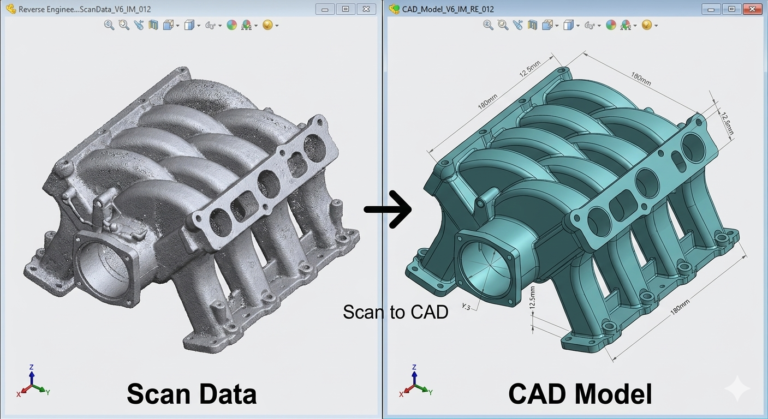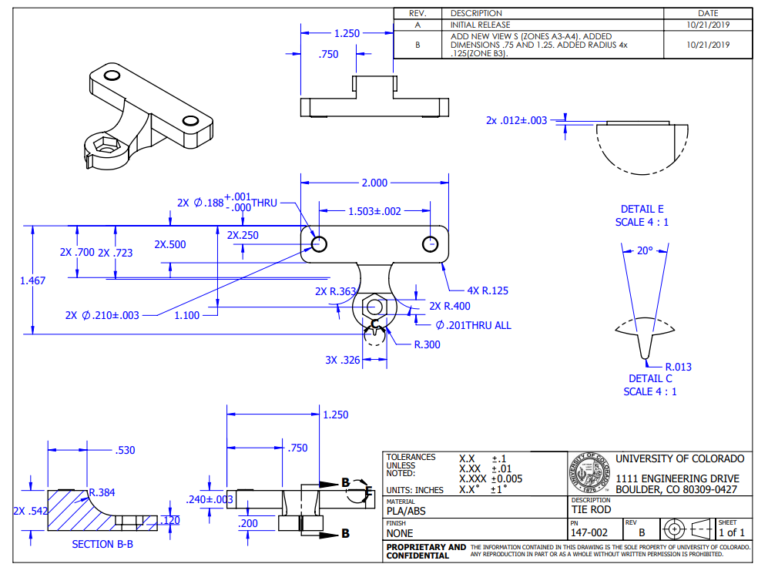
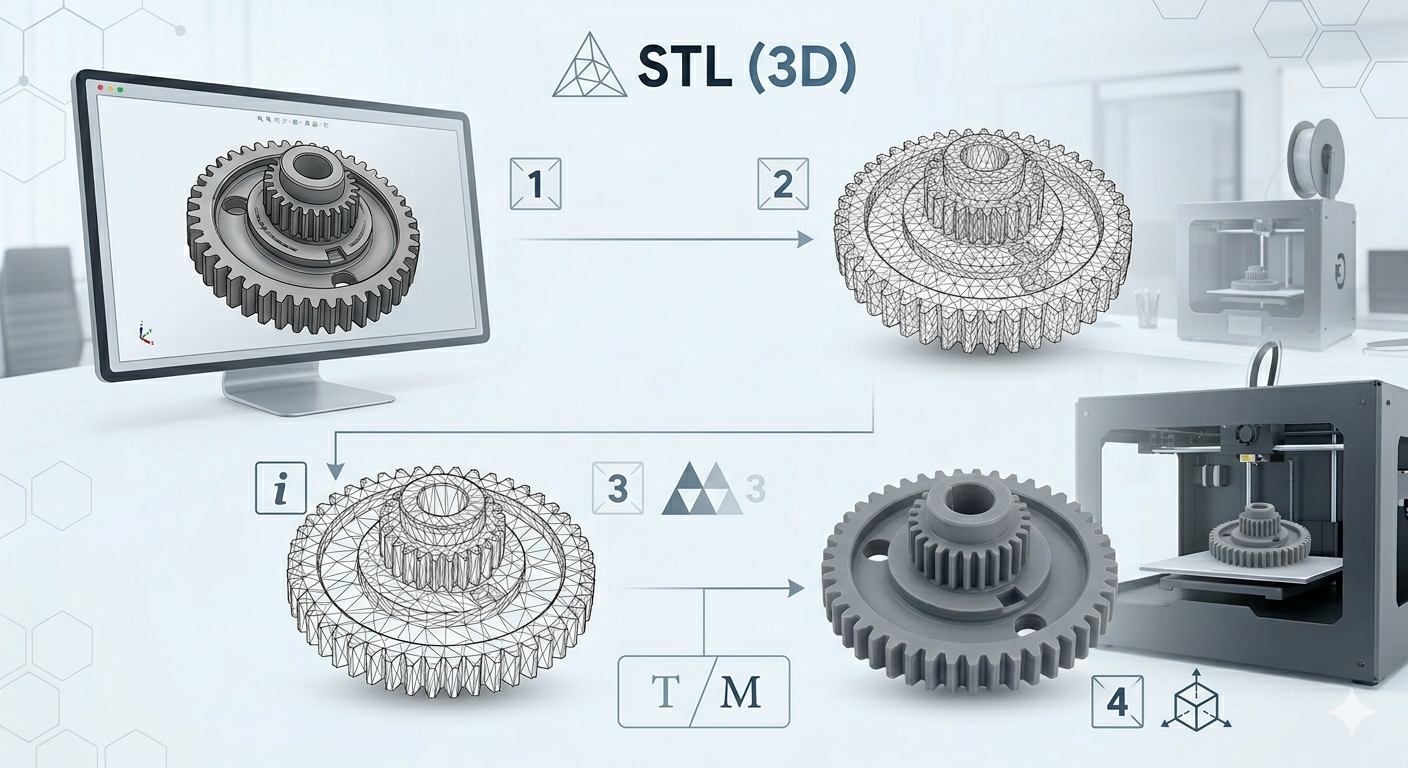
Non-manifold geometry, bad normals, thin walls, scaling errors — diagnosed and fixed. Show More
An STL that previews cleanly in your slicer can still fail on the printer, produce surface artifacts, or measure incorrectly after slicing. Our stl file design service goes further than automated mesh repair — we trace every error back to its geometry source, fix it in SolidWorks or Meshmixer depending on severity, re-export a validated binary STL, and check the result against your specific printer and material profile before delivery.
Geometry Errors We Diagnose and Fix
Non-manifold edges and vertices that cause slicer import failures. Inverted or inconsistent face normals producing inside-out geometry in the slicer preview. Self-intersecting triangle faces that survive visual inspection but break triangulation. Open shells and holes in the mesh surface. Degenerate zero-area triangles. Incorrect scale from a unit mismatch between the originating CAD software and your slicer. Wall thickness violations for your target print process — FDM minimum 1.2mm, SLA minimum 0.5mm, MJF minimum 0.8mm. All standard coverage under our 3d printing file preparation service.
How We Fix Files — Automated Then Manual
We run every submitted file through automated error analysis — a Meshmixer and Materialise Magics-equivalent workflow — to generate a complete error map before any manual work begins. Simple errors are corrected automatically. Complex structural issues — non-manifold topology, major open shells, and severe scaling problems — are addressed manually in SolidWorks by rebuilding the affected geometry rather than patching the mesh surface. A patched mesh passes a slicer check but can still fail under load or dimensional inspection. A rebuilt geometry source does not. See our custom nozzle and diffuser manifold portfolio item as a real example of complex internal geometry that required full reconstruction to print correctly. For an overview of common print failure causes and their geometry origins, Simplify3D’s 3D printing troubleshooting guide is a useful diagnostic reference.
Print Optimization Included with Every Repair
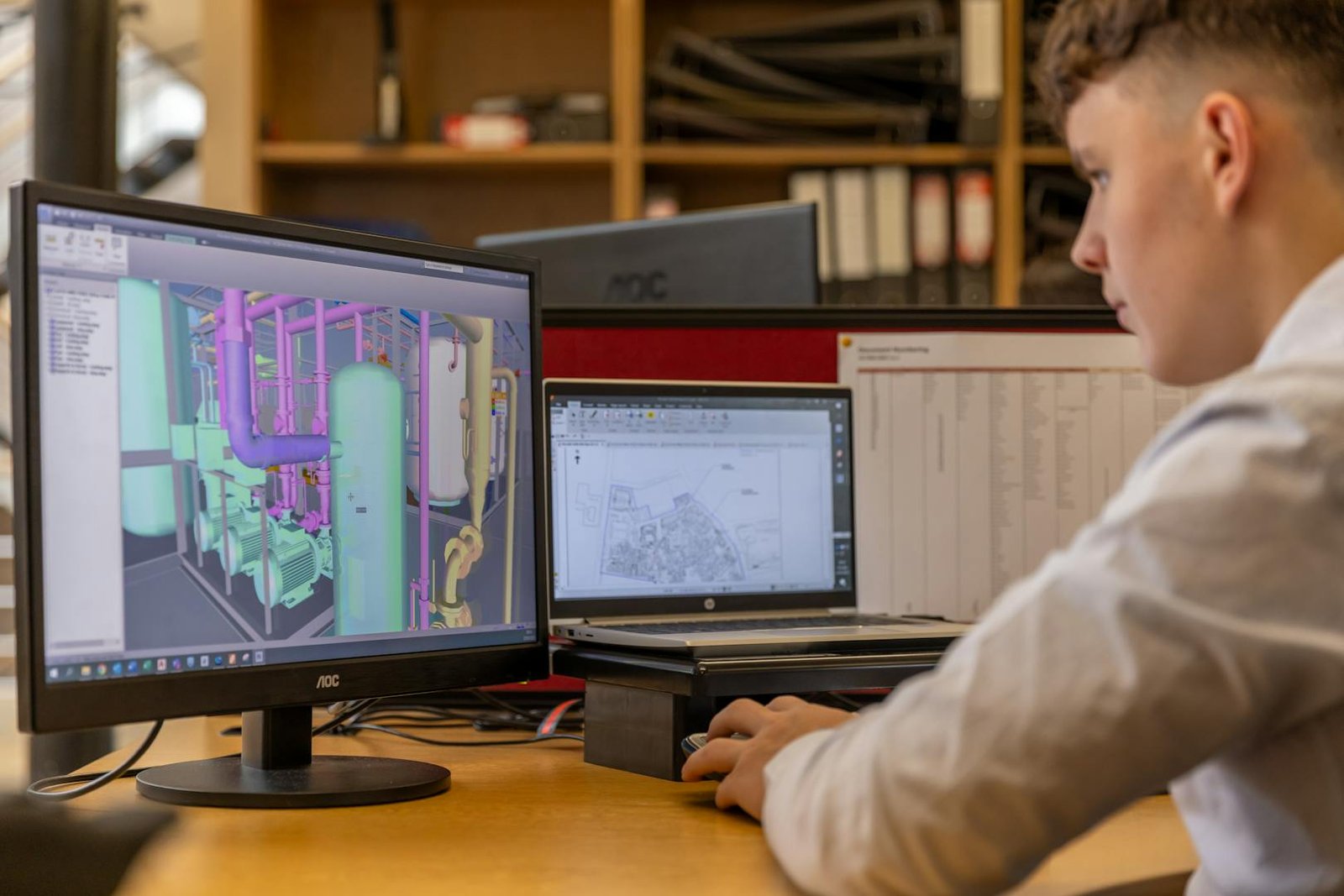
Once your file is geometrically sound, we optimize it for printability as standard — not as an add-on. This includes: reorienting for minimum support volume, checking overhangs against your printer’s stated capability, reducing triangle density in flat faces without degrading curved-surface resolution, and splitting parts that exceed your build volume at logical seam lines. We also flag features that will print poorly regardless of orientation — thin pins under 2mm, small holes under 1.5mm, bridging spans over 60mm — with specific redesign recommendations. This is what separates cad design for 3d printing expertise from a basic mesh repair tool.
Input Formats Accepted — Output Formats Delivered
We accept STL (binary and ASCII), OBJ, 3MF, and STEP as input. We deliver binary STL, 3MF, and optionally the repaired native SolidWorks SLDPRT file. Every delivery is slicer-ready with no warnings and no manual mesh repair steps required on your end. Our prepare file for 3d printing process covers hobby FDM printers through to commercial SLA, SLS, and MJF production systems.
Pricing and Turnaround
Repair orders start at $34. Most files are diagnosed within two hours and delivered within 24. Files requiring geometry reconstruction are quoted before work begins. Our 3D printing design service has resolved files across 40+ countries — hobby prints to industrial production runs.
When File Repair Is Not Enough
Some STL files are too structurally compromised for repair to be a viable path. Files exported from consumer sculpting software with millions of unstructured triangles, files converted from low-resolution scans, or files produced by software that approximates geometry rather than computing it precisely — these often produce better results when rebuilt from scratch in SolidWorks than when repaired at the mesh level. When we determine that reconstruction will produce a more reliable result than repair, we tell you before any work begins and provide both options with honest quotes.
Submit Your File
Upload the broken STL at Order and describe the failure you are experiencing — slicer error, print artifact, or dimensional issue. For complex repairs needing scope discussion first, contact us at Contact.