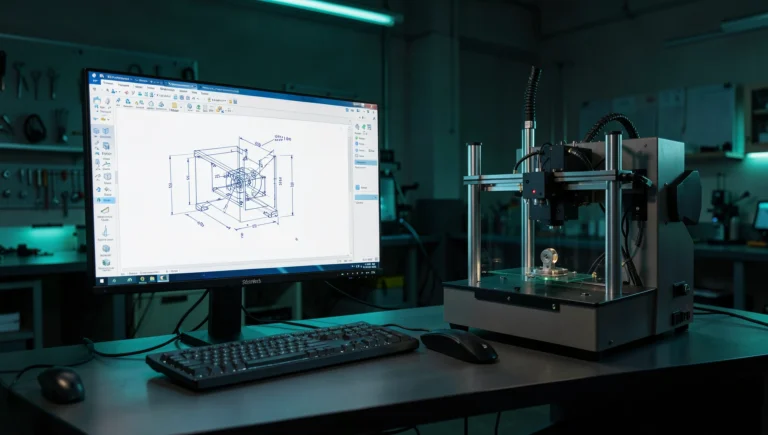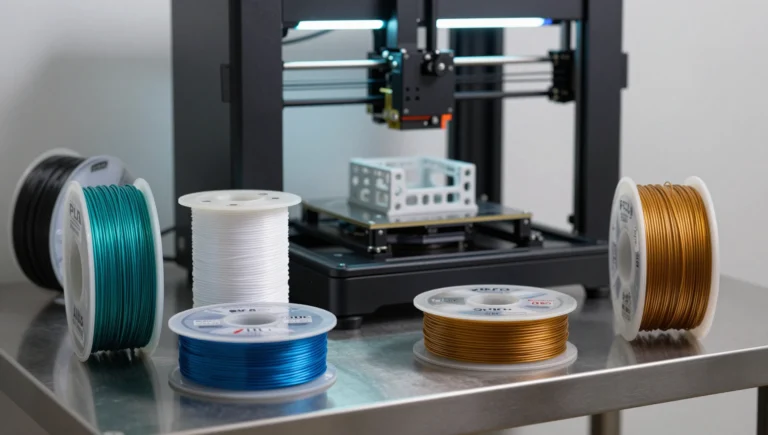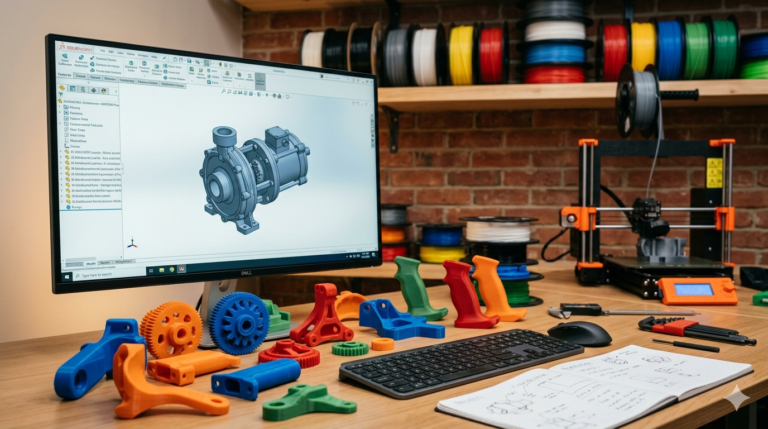
A cad model for 3d printing is not the same as a CAD model for machining, casting, or injection molding. Each manufacturing process imposes unique constraints on geometry, and a model that ignores the specific physics of additive manufacturing will fail at the print bed — sagging overhangs, cracked walls, warped surfaces, and holes that do not match their nominal dimensions. This guide covers the proven methods our studio applies across thousands of delivered projects to ensure every 3d printable cad model succeeds on the first print attempt without rework or redesign.
Why a CAD Model for 3D Printing Requires Process-Specific Design
FDM printers build parts by depositing molten plastic in horizontal layers, each bonded to the layer below by heat and pressure. This layered construction creates anisotropic mechanical properties — parts are strong along the XY plane where extrusion lines run continuously, and weak along the Z axis where inter-layer adhesion provides the only structural connection. A print-optimized model must account for this directional strength difference by orienting critical load paths along the strong axis and reinforcing the weak direction with additional wall thickness, ribs, or gussets.
SLA resin printing eliminates the anisotropic strength issue but introduces different constraints — suction forces during peel, mandatory drainage holes for hollow geometry, and support contact marks on surfaces that face the build plate. SLS powder printing requires minimum wall thickness of 0.7 mm and has no support requirements at all, but dimensional accuracy is lower than FDM for small features. The All3DP resource center provides comprehensive comparison data across all major consumer and industrial printing processes that we reference when advising clients on process selection.
Wall Thickness and Feature Size Rules
For FDM with a 0.4 mm nozzle: minimum wall thickness is 1.2 mm (three perimeters), minimum positive feature size is 0.8 mm (two perimeters), minimum hole diameter is 2.0 mm (below this, holes close during printing), and minimum embossed or engraved text height is 1.5 mm for legibility. For SLA: minimum wall thickness is 0.5 mm (but 1.0 mm recommended for durability), minimum feature size is 0.3 mm, and text down to 0.5 mm height is readable with proper orientation.
These are not conservative guidelines — they represent the physical limits of each process based on our testing across thousands of prints on dozens of printer models. Designing below these thresholds produces unreliable results that sometimes print and sometimes fail depending on ambient temperature, material batch variation, and machine calibration state. Professional print-ready cad files never depend on luck — they depend on engineering knowledge applied consistently to every feature in the model, from the first sketch through the final STL export.
Tolerance Compensation for Accurate Prints
Every FDM print shrinks during cooling. ABS shrinks 0.7 to 0.8 percent linearly. PLA shrinks 0.3 to 0.4 percent. For mating surfaces where two printed parts or a printed part and a purchased component must fit together, add 0.3 mm clearance per side. Holes need an additional 0.4 mm diameter compensation because the nozzle traces the inside of circular paths, reducing the bore by approximately one nozzle width. We build these compensations directly into every cad file for printer delivery, documented in the revision notes so clients understand exactly what dimensional adjustments were applied and why.
Overhangs and Optimal Print Orientation
The 45-degree overhang rule applies universally to FDM — surfaces steeper than 45 degrees from vertical require support material. When building a print-ready model, design chamfers at 45 degrees wherever possible to eliminate support requirements. For features that cannot avoid steep overhangs, orient the part so the overhang faces upward or split the geometry into two support-free halves that assemble after printing. We include orientation-specific notes with every STL delivery documenting the recommended build direction, support strategy, and any alternative orientations that trade strength for reduced support usage.
Designing One Model for Multiple Printing Processes
Many clients 3D print early prototypes on affordable FDM machines for quick functional testing, then switch to SLA or SLS for final prototypes with production-quality surface finish and dimensional precision. A well-designed cad model for 3d printing accommodates both processes without requiring geometry modifications. The key is designing to the more restrictive constraint set — FDM wall minimums, FDM tolerance compensations, FDM overhang limits — while avoiding features that specifically exploit one process’s capabilities at the expense of compatibility with others.
When process-specific optimization is needed (maximizing SLA surface quality on a cosmetic face, or exploiting SLS self-support for internal lattice structures), we deliver process-specific STL variants exported from the same parametric SolidWorks source. Each variant carries its own orientation notes and settings recommendations. This approach gives clients the flexibility to switch between printing processes during the prototyping phase without requesting a new CAD project for each process change — a common and costly scenario when working with designers who optimize for only one printing technology.
STL Export and Cad to STL Conversion Best Practices
Export from SolidWorks using binary STL format with 0.05 mm chord deviation and 5-degree angle tolerance for FDM parts. For SLA parts with cosmetic curves, tighten chord deviation to 0.02 mm. Always verify the exported mesh in PrusaSlicer documentation or Cura before printing — check for non-manifold edges, inverted normals, and thin wall warnings. Our cad to stl conversion process includes automated mesh diagnostics followed by manual visual inspection in the slicer environment, catching subtle geometric problems that fully automated mesh repair tools sometimes miss entirely on complex multi-body geometry.
Explore real examples of this work in our portfolio — see our multi-color 3D printed NFC coin and custom 3D printed storage container projects. Need professional engineering support? Our SolidWorks modeling service and STL file design service deliver production-ready files in 24 hours.
Get a Print-Ready CAD Model in 24 Hours
Building a reliable cad model for 3d printing requires both parametric CAD proficiency and hands-on printing experience — understanding not just what geometry looks correct on screen but what geometry actually survives the transition from digital file to physical object under real-world conditions. With 7,000+ projects delivered, a 4.9-star rating from 4,470+ verified reviews, and 24-hour turnaround on most single-part jobs, our studio at minicad.io delivers print-validated files that work the first time. Get a free quote and have your print-ready model by tomorrow.