Your 3D printer reads one language — triangulated mesh geometry stored as STL files. But an STL file is only as good as the parametric CAD model it was exported from, and the export settings used during conversion. A quality stl file design service does not just hand you a mesh and wish you luck. It delivers a watertight, dimensionally accurate, thoroughly print-optimized file carefully built from a fully parametric SolidWorks model — along with the native source files so you can modify dimensions, re-export at different resolutions, and adapt the design for future manufacturing processes without starting over from scratch.
What a Professional STL File Design Service Delivers
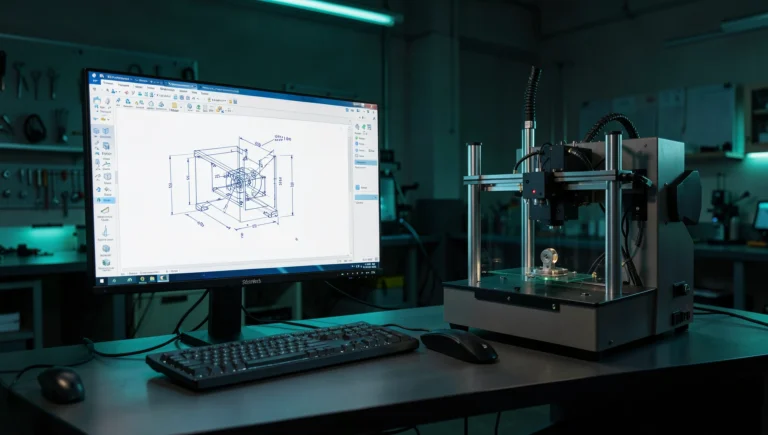
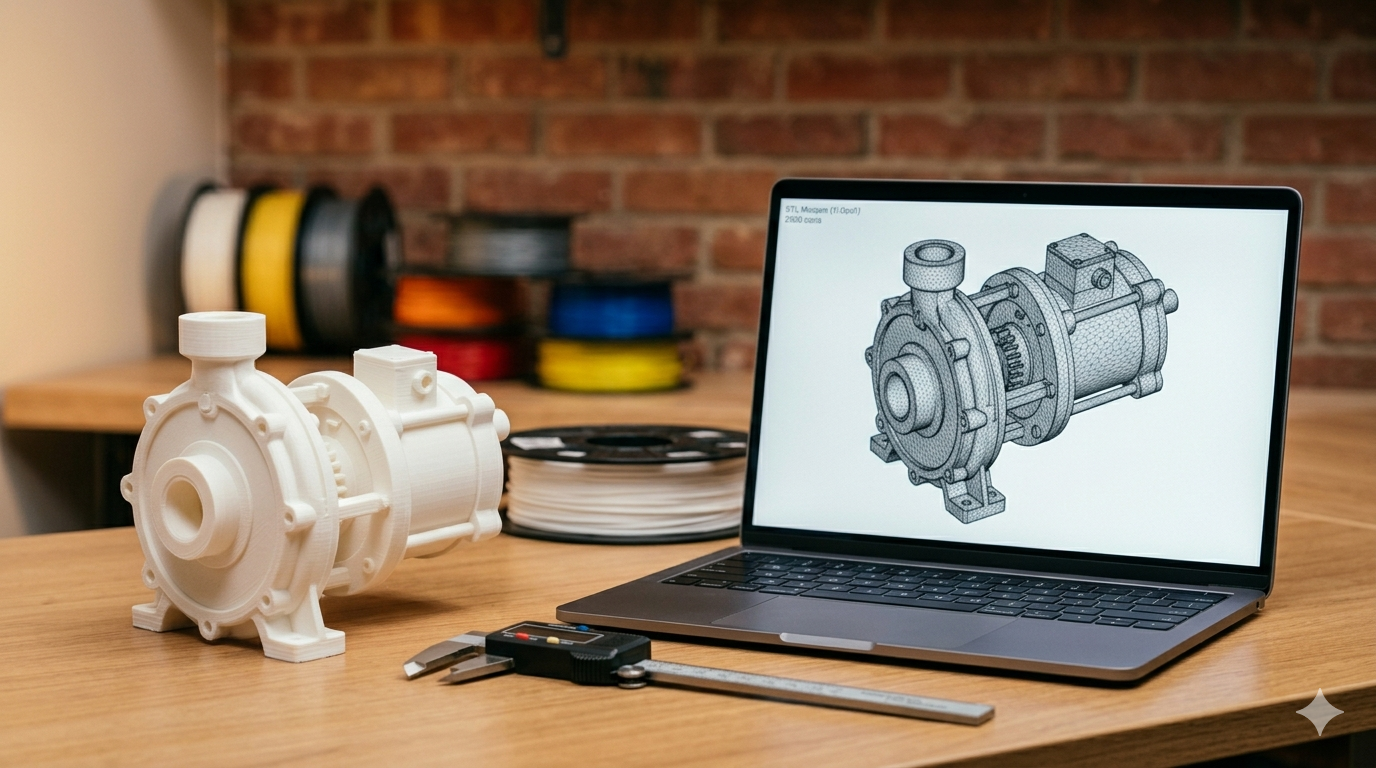
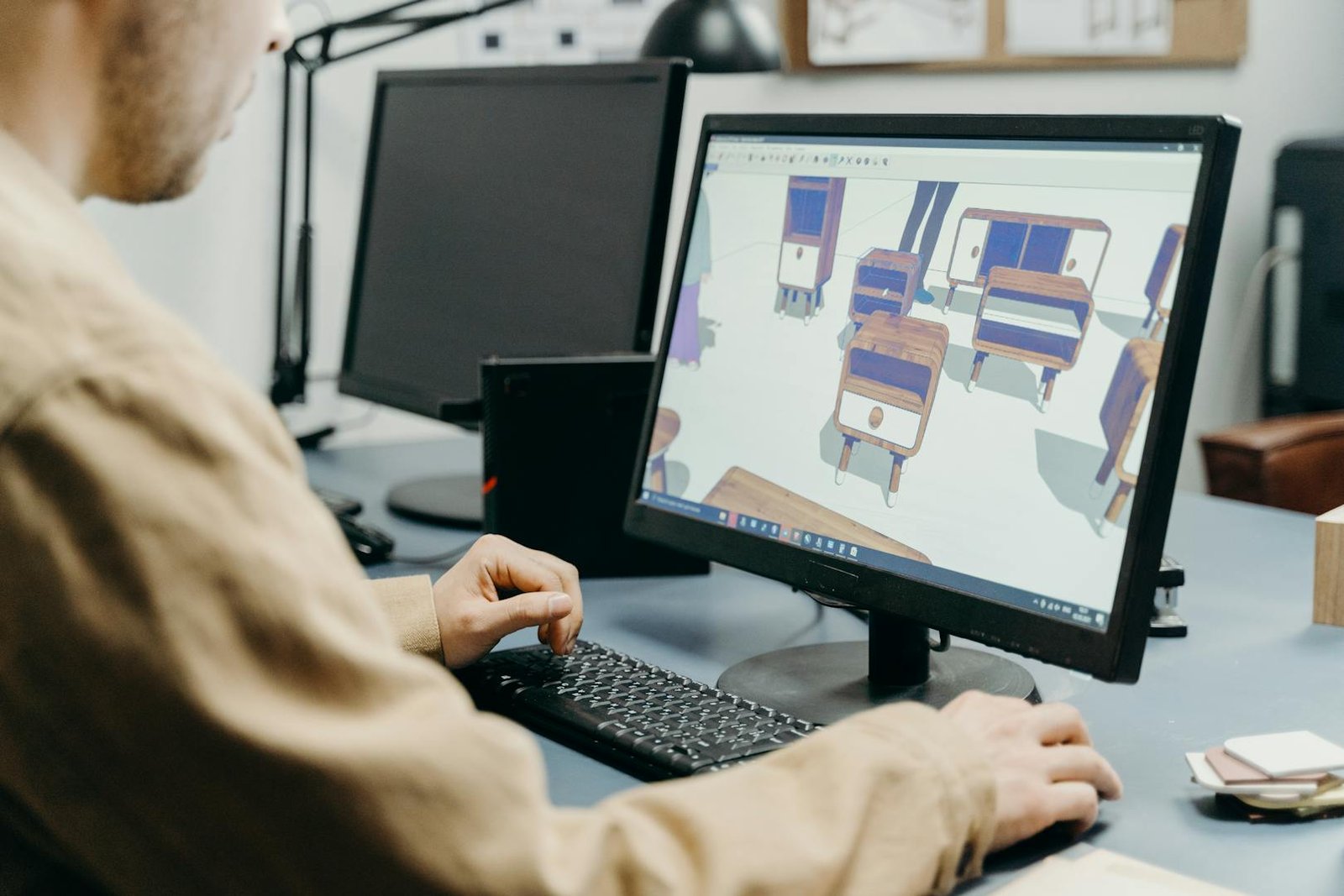
A professional stl modeling service starts with your concept — a hand-drawn sketch with dimensions, a photograph of an existing part you need replicated, a competitor product you want to improve, or even a verbal description of the geometry you need. The designer builds a fully parametric 3D model in professional CAD software (our studio uses SolidWorks exclusively), validates the geometry against your target printing process and material, then exports a clean STL mesh at the resolution appropriate for your specific printer, layer height, and surface quality requirements. You receive the STL plus the native SLDPRT source file so you own the design completely and permanently.
The critical distinction between downloading a generic STL from Thingiverse or Printables and commissioning a custom stl file is parametric ownership. Downloaded community STLs cannot be dimensionally modified — you get exactly the geometry the original designer chose, with no ability to adjust hole spacing, wall thickness, overall dimensions, or mating surface clearances. A custom parametric model lets you change any dimension with a single edit in SolidWorks and re-export a perfectly updated STL in seconds. That modification flexibility is worth the investment for any part where fit, function, or dimensional accuracy matters to your application.

Mesh Quality — Why STL Resolution Matters
STL files approximate curved CAD surfaces with flat triangles — a process called tessellation. More triangles produce smoother curve approximations but create larger file sizes that take longer to slice and may exceed your slicer’s memory capacity on complex models. The key export setting in SolidWorks is chord deviation — the maximum allowable distance between the actual mathematical surface and the flat triangle mesh that represents it in the STL file.
For FDM printing at a typical 0.2 mm layer height, a chord deviation of 0.05 mm is optimal — the mesh is smoother than the layer resolution can reproduce, so going finer provides zero visible benefit while unnecessarily inflating file size. For SLA printing at 0.025 to 0.05 mm layer heights, or for parts with tight cosmetic curves visible to end users, tightening deviation to 0.02 mm produces noticeably smoother surfaces that justify the larger file. Angle tolerance controls triangle density on shallow curved transitions — 5 degrees works for most mechanical geometry, while 2 to 3 degrees improves organic or ergonomic shapes.
Our stl file creation process always matches export resolution to the target printing process. We also include a brief slicer preview check after every export to verify that the mesh resolution actually looks correct at the planned layer height — not just mathematically within tolerance, but visually acceptable when the client holds the finished print.
Common STL Problems and How We Prevent Them
Non-manifold edges — where triangle edges fail to connect properly to exactly two adjacent faces — cause slicers to generate unpredictable, unreliable toolpaths that produce printing artifacts ranging from minor surface blemishes to complete print failures. Inverted normals (triangles facing inward instead of outward) confuse the slicer about which regions are solid material and which are empty space, potentially causing hollow areas to print solid or vice versa. Gaps between adjacent surfaces create open, non-watertight meshes that cannot be sliced correctly at all, producing errors that vary by slicer brand and often go unnoticed until the print fails mid-job.
We run every exported STL through the SolidWorks official documentation mesh diagnostics toolset and repair any detected issues before the file leaves our studio. The key insight is that mesh problems almost always originate from underlying CAD model issues — overlapping bodies, zero-thickness faces, fragmented surfaces, or import errors from other file formats. By building clean parametric models from scratch in SolidWorks rather than patching imported geometry, we eliminate the root cause of mesh defects rather than treating symptoms at the STL level with automated repair tools that often introduce new problems while fixing old ones.
Matching STL Settings to Your Specific Printing Process
Different 3D printing technologies have fundamentally different geometric requirements for the STL files they consume. FDM printers with 0.4 mm nozzles cannot physically reproduce features smaller than approximately 0.8 mm in width (two perimeter passes), so exporting an STL with 0.01 mm chord deviation for FDM is pointless — the printer hardware cannot utilize the extra mesh resolution, and the oversized file slows down slicing without improving print quality.
SLA printers operating at 0.025 mm layer heights can reproduce the fine triangulation that results from 0.02 mm chord deviation settings, making high-resolution STL exports genuinely beneficial for resin-based processes. SLS nylon printing falls between the two — the powder grain size limits effective resolution to approximately 0.1 mm, but the powder-based self-support capability means the STL mesh needs to be watertight and free of thin walls that would trap unsintered powder inside the finished part. Our stl file design service calibrates every export to the client’s specific process, material, and printer model — not a generic one-size-fits-all setting.
For clients who plan to print the same part on multiple different printer types — a common scenario during the prototyping phase when comparing FDM functional prototypes against SLA cosmetic samples — we deliver multiple STL exports at different resolutions with clear labeling indicating which file is optimized for which process. This eliminates the guesswork that leads to oversized files crashing budget slicer installations or under-resolved meshes producing visible faceting on resin prints. Matching export resolution to the target process is a fundamental competency that separates a professional stl file design service from a generic modeling provider who treats STL export as an afterthought rather than a calibrated engineering decision.
STL vs 3MF — When to Use Each Format
STL has been the de facto standard 3d print file service format since 1987, but the 3MF format developed by the 3MF Consortium is gaining significant adoption among modern printer manufacturers and slicer developers. 3MF stores color information, texture maps, material properties, build plate orientation, and support structure preferences inside a single compressed XML-based file — none of which the STL format can represent. If your slicer and printer support 3MF natively (PrusaSlicer, Cura, Bambu Studio, and OrcaSlicer all do), it is objectively the superior format choice for production parts where you want to preserve design intent through the entire digital manufacturing chain.
We deliver both STL and 3MF formats when clients request them. For projects destined for external print service bureaus where format compatibility cannot be guaranteed, STL remains the universally safe default. For clients using modern printers with multi-material or multi-color capability, 3MF unlocks features that the older STL format physically cannot represent at all — including color-per-triangle assignments, material zone definitions, and embedded manufacturing metadata that travels with the geometry file.
Pricing and Turnaround for Custom STL Design
A single-part stl file design service with moderate geometric complexity costs $34 to $69 and delivers within 24 hours of brief finalization. Complex parts featuring organic surfaces, internal channels, lattice structures, or multi-body configurations requiring boolean operations run $69 to $174. Full product designs producing multiple coordinated STL files for a complete assembly cost $174 or higher depending on component count and interaction complexity. All prices include native SolidWorks source files, not just the exported STL mesh — because you are paying for a complete design service, not just a file conversion. Owning the parametric source means you can modify dimensions, adjust tolerances for different manufacturing processes, and re-export updated STL files for years to come without paying for a complete rebuild from scratch.
Rush delivery for time-sensitive manufacturing deadlines is available at our studio — we have completed urgent STL files in under 6 hours for clients facing production cutoff dates that could not slip. The typical premium for rush service is 25 to 50 percent above standard project pricing, and we accept rush jobs only when our team can guarantee full quality and thorough validation at the compressed timeline. Cutting corners on mesh validation, dimensional verification, or slicer preview checks to save a few hours of engineering time defeats the purpose of hiring a professional stl modeling service in the first place. Speed without quality produces files that look finished on screen but fail on the print bed — the exact frustrating, expensive problem you hired a professional service provider to prevent.
Choosing the Right STL Design Provider
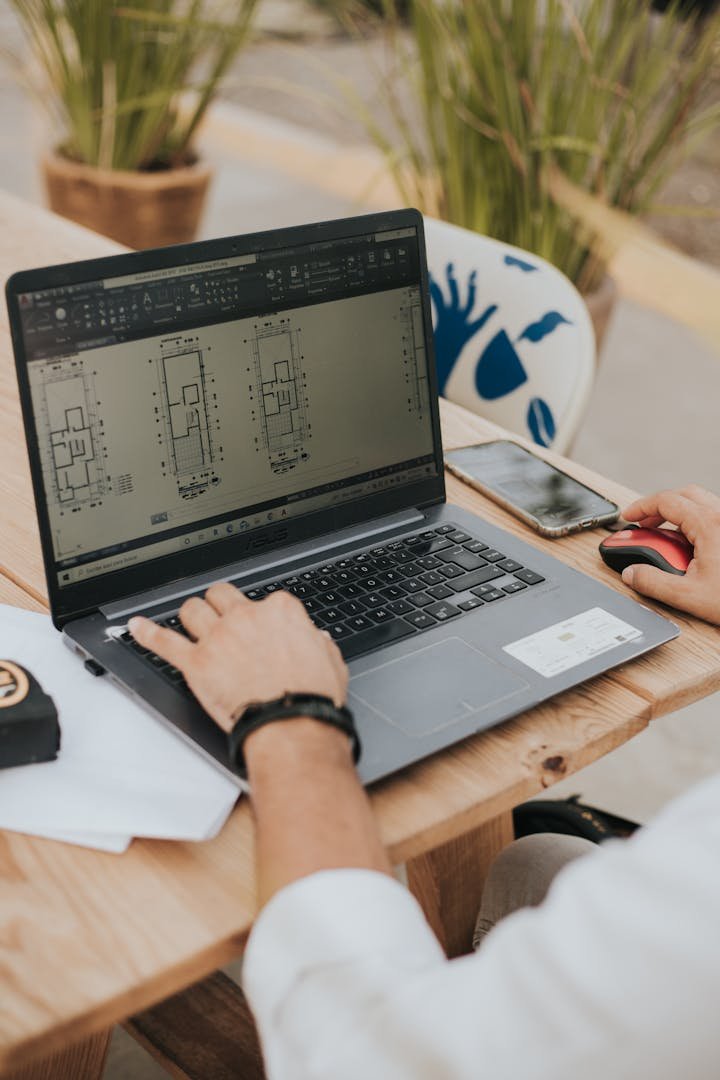
Look for a provider who delivers native CAD source files alongside every STL — never accept a service that sends only mesh files without the parametric originals. Verify they use SolidWorks, CATIA, or an equivalent professional parametric modeling platform, not a mesh-based sculpting tool like ZBrush or Blender that cannot produce dimensionally precise mechanical geometry. Check specifically for 3D printing experience — a designer who has never personally operated or troubleshot a 3D printer makes fundamentally different design decisions than one who has watched thousands of prints succeed, fail, warp, delaminate, and everything in between.
With 7,000 or more projects delivered, 4,470 verified five-star reviews, and 24-hour turnaround on most single-part jobs, our engineering team at minicad.io handles everything from simple replacement brackets to complex multi-component assemblies with moving parts and tight tolerance requirements. Every delivery package includes SLDPRT, STEP, STL, and documented print orientation notes. Get a free quote and have your print-ready files delivered by tomorrow.
Explore real examples of this work in our portfolio — see our custom 3D printed storage container and 2D technical drawing for manufacturing projects. Need professional engineering support? Our STL file design service and prototype design service deliver production-ready files in 24 hours.
What to Do After You Receive Your STL Files
Open each delivered STL file in your preferred slicer, orient it according to the printed notes we include with every delivery, and preview the generated toolpath layer by layer. Check for unsupported overhangs that need support structures, thin walls the slicer flags as too narrow for your nozzle, and areas where support contact points will leave marks on visible surfaces. If anything looks problematic in the sliced preview, send us an annotated screenshot — we resolve slicer-visible issues at no extra charge within the included revision rounds. That is what a professional stl file design service commitment looks like in practice.