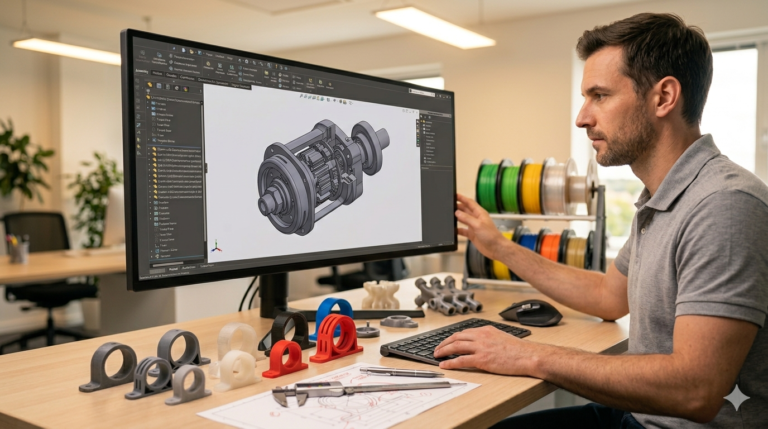
At its core, 3d cad modeling is the process of building mathematically precise digital representations of physical objects using parametric software like SolidWorks, CATIA, or Inventor. Every manufactured product you interact with daily — from the phone in your hand to the chair you are sitting on to the car you drove this morning — started as a 3D CAD model before a single piece of material was cut, molded, or printed. This guide covers the fundamentals that every product developer, inventor, and engineering buyer needs to understand before commissioning professional 3d cad design work, whether the end goal is prototyping, mass production, or anything in between.
What 3D CAD Modeling Actually Is and Why It Matters
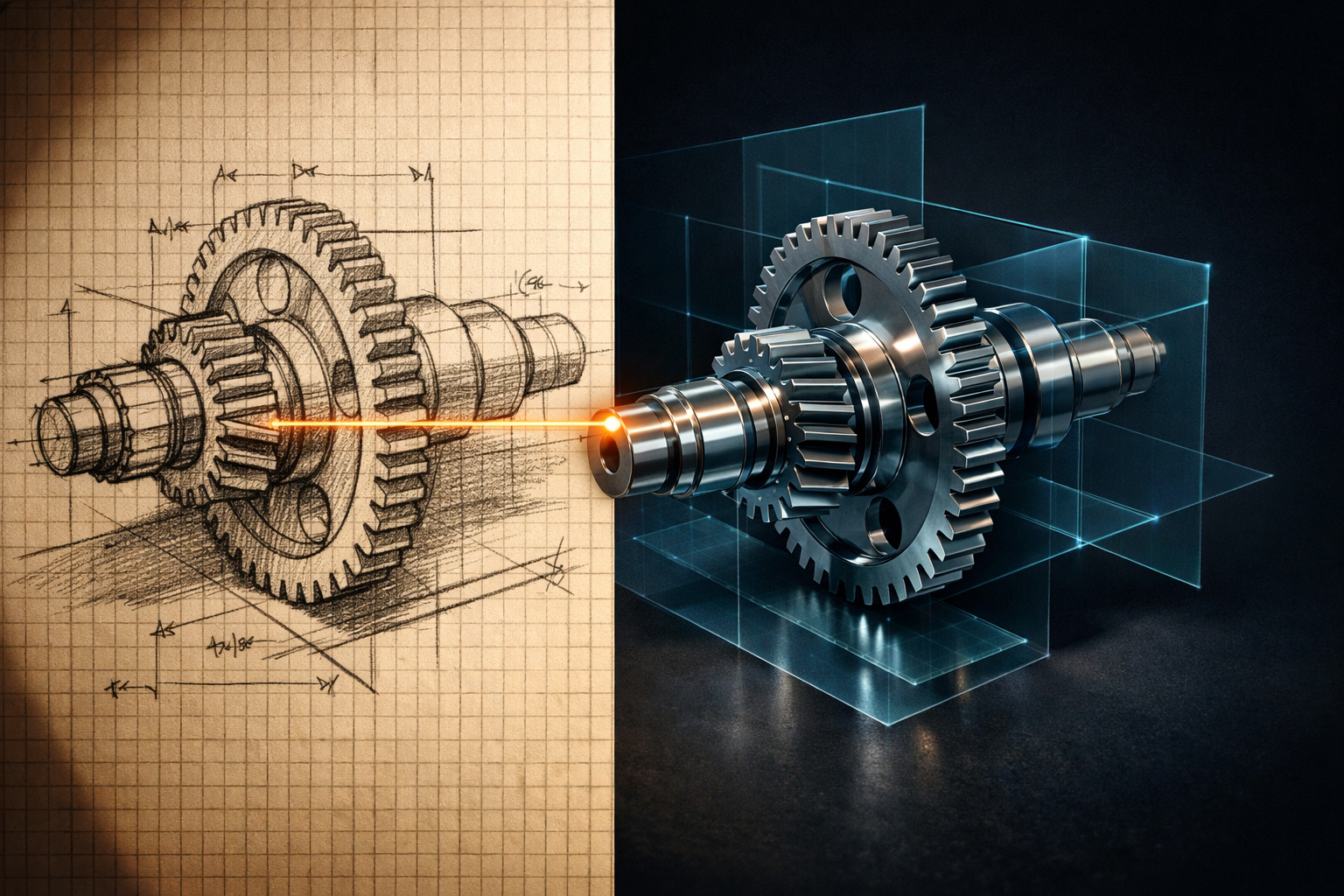
A 3d cad design starts with a 2D sketch — a profile shape defined by lines, arcs, and dimensions — that gets extruded, revolved, swept, or lofted into three-dimensional solid geometry. Each operation (called a “feature” in SolidWorks) builds on the previous one in a logical sequence recorded in the feature tree. This parametric approach means every dimension is a variable that can be changed at any time, and the entire model updates automatically to reflect the new value. Change a hole diameter from 5 mm to 6 mm, and every dependent feature — the counterbore, the clearance pocket in the mating part, the callout on the technical drawing — updates instantly without manual reconstruction.
This parametric intelligence is what separates professional 3d cad from mesh-based sculpting tools like Blender or ZBrush. Mesh tools produce visually impressive organic shapes but cannot maintain dimensional relationships between features, cannot generate accurate technical drawings, and cannot export geometry with the manufacturing metadata (tolerances, material properties, surface finish specifications) that production processes require. If your project involves manufacturing a physical part — by any process — parametric 3D CAD is the required starting point.

Software Choices for Professional 3D CAD Work
SolidWorks dominates the product design and mechanical engineering market with over 3.5 million active licenses worldwide. Its parametric modeling engine handles parts, assemblies, sheet metal, weldments, mold design, stress simulation, and photorealistic rendering in a single integrated platform. CATIA serves aerospace and automotive industries where surface complexity exceeds SolidWorks’ native capabilities. Inventor competes directly with SolidWorks in the mid-market mechanical engineering space. Autodesk Fusion 360 offers a cloud-based alternative that combines CAD, CAM, and CAE in a single subscription — powerful for individual designers but lacking the enterprise-grade PDM and manufacturing ecosystem that SolidWorks provides.
For clients commissioning professional 3d cad work, the designer’s primary software matters because it determines file compatibility, feature tree quality, and downstream manufacturing workflow efficiency. A model built natively in SolidWorks opens cleanly in every version of SolidWorks and exports to STEP with full geometric fidelity. A model built in another platform and converted to SolidWorks format often loses parametric relationships, feature history, and sketch constraints — arriving as imported geometry that looks correct but cannot be modified without manual reconstruction of every dependent feature. Our studio uses SolidWorks exclusively for exactly this reason.
The Professional 3D CAD Modeling Process
A professional 3d cad model creation project follows a structured five-phase workflow. Phase one is requirements analysis — reviewing the client’s sketch, reference dimensions, material preferences, manufacturing method, and functional requirements to identify ambiguities before modeling begins. Phase two is base geometry construction — creating the primary SolidWorks sketch with fully defined constraints and building the core solid shape through extrusion, revolution, or sweep operations. Phase three is feature development — adding secondary geometry (bosses, ribs, pockets, holes, patterns, fillets, chamfers) in logical sequence with named features documenting design intent throughout the tree.
Phase four is manufacturing preparation — applying draft angles for injection molding, shell operations for uniform wall thickness, and tolerance specifications for critical mating surfaces. Phase five is documentation and export — generating 2D technical drawings with dimensions and GD&T callouts, exporting STEP for manufacturer compatibility, STL for 3D printing, and packaging all deliverables with a revision log and design notes. This five-phase approach ensures that the delivered model is not just geometrically correct but also parametrically structured, manufacturing-aware, and thoroughly documented for every downstream user.

Parametric 3D Modeling vs Direct Editing — Why It Matters
Parametric modeling records every operation in a history tree — change a dimension anywhere, and everything downstream updates automatically. Direct editing (also called “push-pull” modeling) modifies geometry by moving faces and edges without maintaining dimensional relationships. Direct editing is faster for one-time concept exploration but produces models that cannot be reliably modified later because there is no recorded logic connecting features to each other.
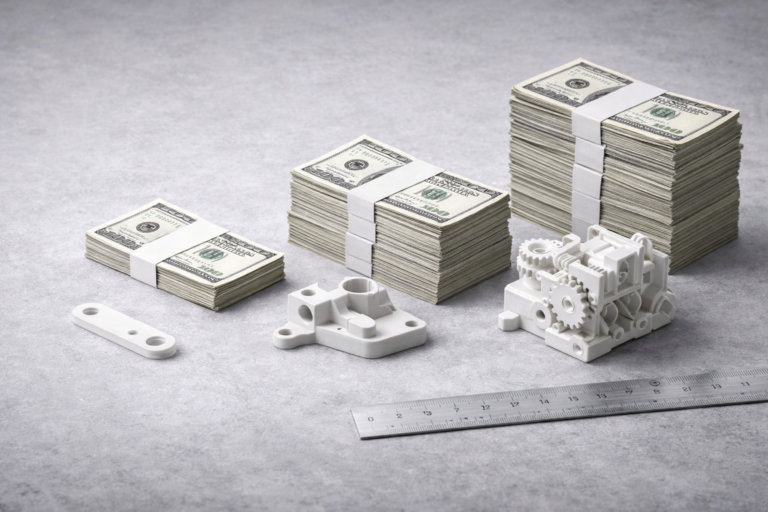
For any project where the design will go through revision cycles (which is virtually every real-world product development project), parametric 3d modeling is the only viable approach. A parametric model that costs $69 to create and $15 per revision over 10 revisions totals $219 in lifetime engineering cost. A direct-edit model that costs $40 to create but requires $80 per revision (because each change requires manual reconstruction) totals $840 over the same 10 revisions. The upfront savings of direct editing evaporate completely after the second revision cycle, making parametric modeling the clear winner for any project with a lifespan beyond the initial delivery.
File Formats You Should Expect from a CAD Provider
Every professional 3d cad modeling delivery should include native SolidWorks files (SLDPRT for parts, SLDASM for assemblies, SLDDRW for drawings), STEP exports (the universal neutral format that every manufacturer can import), STL files at appropriate mesh resolution for 3D printing, and PDF exports of all technical drawings for quick reference. These formats cover every downstream use case — internal engineering edits (native files), manufacturer communication (STEP), rapid prototyping (STL), and quality inspection reference (PDF drawings). If your provider delivers only STL without native sources, you are paying for a mesh — not a design asset.
Assembly Modeling — When Parts Must Work Together
Single-part 3d cad modeling is the foundation, but most real products consist of multiple components that must fit together with specific clearances, alignment tolerances, and functional interactions. SolidWorks assembly modeling brings individual part files into a shared environment where physical contacts, clearance gaps, motion ranges, and fastener engagement depths are verified through mate definitions and interference detection. A properly structured assembly uses sub-assemblies to group related components — the hinge sub-assembly containing pin, bushing, and leaf — mirroring the actual manufacturing assembly sequence and keeping the file navigable as part count grows beyond 15 or 20 components.
Assembly-level deliverables include exploded view drawings for assembly instructions and training documentation, automated bills of materials for procurement teams, section views revealing internal component relationships for manufacturing and quality inspection, and interference check reports confirming that no parts physically collide throughout their operating range of motion. For multi-part projects at our studio, every assembly delivery includes all individual part files, the master assembly file, a complete BOM with commercial component specifications (bearings, screws, pins, washers), and an assembly drawing showing the build sequence with fastener torque values where applicable. This comprehensive documentation package gives your manufacturing, procurement, and assembly teams everything needed to produce the product correctly without reverse-engineering the designer’s intent from bare geometry files.
Embedding Manufacturing Process Awareness from Day One
Professional 3d cad design goes beyond geometric accuracy — it is manufacturing-ready for your specific production process from the very first revision. For injection molding: draft angles on every surface parallel to the mold pull direction (minimum 1 degree for smooth surfaces, 3 degrees for textured), uniform wall thickness within 10 percent variation to prevent sink marks and warping, and no undercuts requiring expensive side-action mold mechanisms unless the production volume justifies the tooling cost. For CNC machining: internal corner radii matching available tool diameters (typically 1.5 to 3 mm minimum), pocket depth-to-width ratios below 4:1 to prevent tool deflection and chatter, and sufficient clamping surface area for secure workholding during all machining operations.
For 3D printing: minimum wall thickness matching your printer’s nozzle capability (1.2 mm for FDM with 0.4 mm nozzle), overhang angles within support-free limits (45 degrees for most FDM materials), and tolerance compensations specific to your filament material’s shrinkage rate and the printer’s empirical accuracy. Specifying your manufacturing method at project start enables your designer to embed these process constraints from the first SolidWorks sketch rather than retrofitting them after the design is finalized — when every geometric modification triggers a cascade of dependent feature updates that cost hours to resolve.
Common Pitfalls in 3D CAD Modeling Projects
The most expensive mistake is providing vague requirements. Every undefined dimension becomes an assumption, and every assumption creates revision risk. Invest 30 minutes writing a clear brief with dimensioned sketches, material preferences, and manufacturing method — this consistently eliminates 1 to 2 revision cycles worth $50 to $200 each. The second most common problem is selecting a provider based on the lowest quote without verifying parametric quality through feature tree review. A $15 model that breaks on first revision costs more lifetime than a $69 model that handles 10 revisions cleanly.
Third, many clients underestimate the importance of specifying the manufacturing process upfront. A model designed for 3D printing has different wall thicknesses, tolerance compensations, and geometric constraints than one designed for CNC machining or injection molding. Telling your designer “I will figure out manufacturing later” produces a model optimized for nothing — requiring rework when you eventually commit to a process. Specify your manufacturing intent at the start, even if it is just “probably FDM 3D printing for prototyping, eventually injection molding for production,” and the designer can embed dual-process awareness from the first sketch.
Pricing for 3D CAD Modeling Services
Single-part models with moderate complexity cost $34 to $69 and deliver within 24 hours. Multi-part assemblies range from $120 to $500 depending on component count and interaction complexity. Complete product development packages with assemblies, drawings, renders, and DFM review run $500 to $2,000+. All prices at minicad.io include native files, STEP, STL, and technical drawings as standard — not premium add-ons. The SolidWorks official documentation provides additional reference on SolidWorks feature best practices that align with the parametric quality standards we maintain across every project.

Explore real examples of this work in our portfolio — see our custom PCB enclosure project box and multi-color 3D printed NFC coin projects. Need professional engineering support? Our product rendering service and outsource CAD design service deliver production-ready files in 24 hours.
Get Professional 3D CAD Models in 24 Hours
Whether you need a single bracket modeled from a napkin sketch or a 30-component assembly engineered for injection molding, professional 3d cad modeling delivers the parametric precision, manufacturing awareness, and documentation depth that successful products require at every stage of their lifecycle. With 7,000+ projects delivered across 40+ countries, a 4.9-star rating from 4,470+ verified reviews, and 24-hour turnaround on most single-part jobs, our engineering team at minicad.io delivers the quality your project demands. Get a free quote today.